

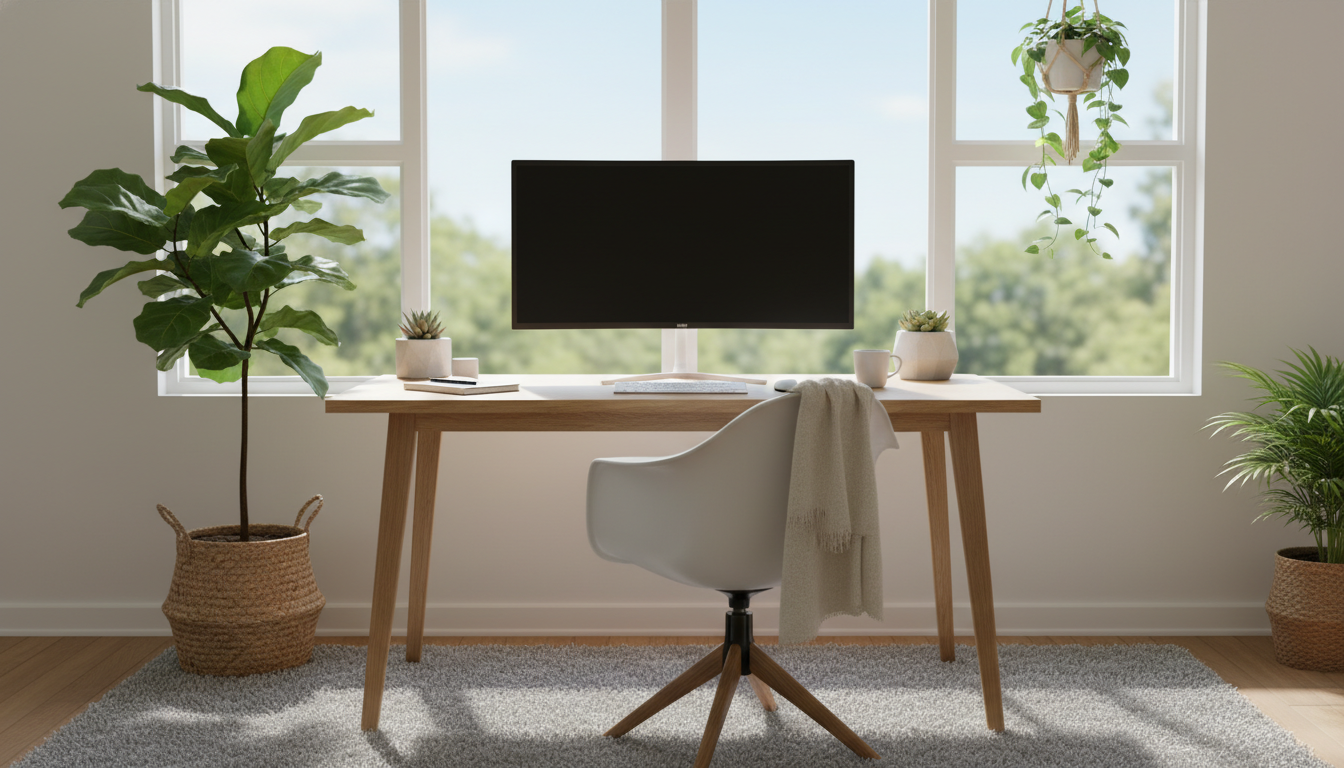
With remote work becoming a staple of modern life, creating an efficient and comfortable work-from-home setup has never been more important. Whether you’re a busy professional, a parent juggling multiple responsibilities, or a remote worker looking to improve focus and efficiency, having the right tools and furniture is key to maximizing productivity and comfort.
In this guide, we’ll explore 10 work-from-home setup ideas and accessories that will help you create a space that fosters focus, reduces distractions, and enhances overall well-being. From ergonomic chairs to smart lighting and personalized decor, let’s dive into the essentials that will make your workday smoother.
1. Invest in an Ergonomic Chair for Maximum Comfort
Spending long hours at your desk can lead to discomfort, poor posture, and even long-term health issues. The right ergonomic chair is essential for ensuring proper posture and preventing strain on your back and neck. Look for features like adjustable seat height, lumbar support, and adjustable armrests to ensure your chair is tailored to your body.
Recommended Products
Chairs like the Herman Miller Aeron and Secretlab Titan are highly rated for their ergonomic design. If you’re looking for more affordable options, the AmazonBasics Ergonomic Office Chair provides great comfort and support at a lower price point.
2. Dual Monitors for Enhanced Productivity
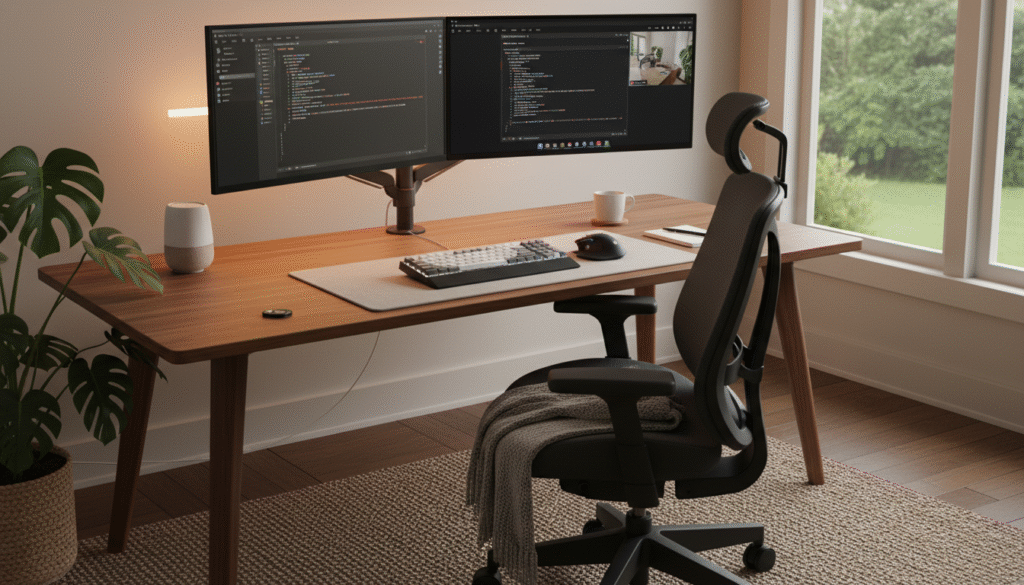
A dual monitor setup is one of the easiest and most effective ways to boost productivity. It allows you to have multiple windows open at once, reducing the time spent switching between tabs and improving your ability to multitask. Whether you’re coding, editing, or attending virtual meetings, this setup allows for greater focus and efficiency.
For a budget-friendly option, the Dell P Series 24-Inch Monitor offers good quality. For those looking for an ultra-wide experience, the LG UltraWide Monitor offers a spacious screen perfect for multitasking and media editing.
3. Set Up a Standing Desk for Flexibility
Standing desks are gaining popularity as they help combat the negative effects of prolonged sitting. Alternating between sitting and standing improves circulation, boosts energy, and promotes better posture.
The Fully Jarvis Standing Desk is a top choice for its durability and adjustability. For a more affordable option, IKEA’s Idasen Standing Desk is also a great choice for a functional setup.
4. Proper Lighting to Reduce Eye Strain
Lighting plays a crucial role in creating a comfortable work environment. Poor lighting can lead to eye strain and fatigue, reducing your productivity and comfort levels.
Why It’s Important
Good lighting is essential for reducing eye strain, maintaining focus, and improving your mood. Task lighting is particularly effective at highlighting your workspace and creating a cozy atmosphere.
Recommended Products
For task lighting, consider the BenQ e-Reading Lamp, which is adjustable and provides excellent illumination for reading or working at your desk. IKEA’s SINNERLIG pendant light is a stylish and affordable choice that adds a warm glow to your office.
5. Add Smart Home Devices for Seamless Control
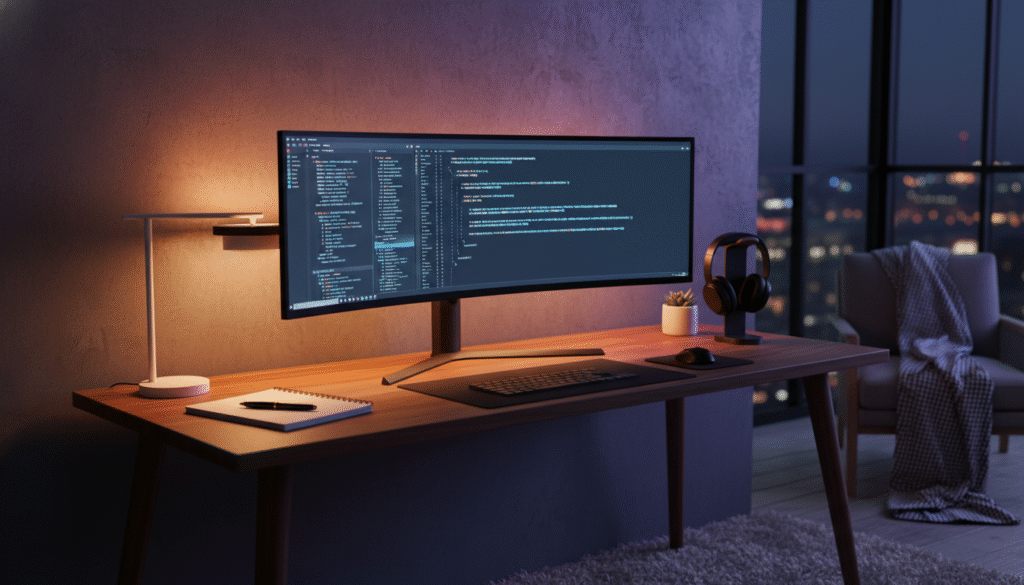
Integrating smart devices into your home office setup can greatly improve convenience and comfort. Devices like smart lights, smart thermostats, and voice assistants can help automate your environment, saving you time and reducing distractions.
Recommended products: Philips Hue smart bulbs allow you to adjust the lighting color and brightness with your voice or phone. A Nest Thermostat can regulate your home’s temperature based on your schedule, ensuring a comfortable workspace throughout the day.
6. Organize with Multi-Functional Furniture
In small spaces, it’s crucial to choose multi-functional furniture that maximizes available space. Furniture that serves more than one purpose helps maintain an organized, clutter-free office. Multi-purpose furniture like fold-down desks, storage ottomans, and modular shelves helps create a functional workspace without overcrowding the room.
For example, a Murphy desk allows you to convert a room or small space into a productive workspace without dedicating the entire area to office furniture. Additionally, modular shelving units like those from IKEA can store office supplies and décor.
7. Cable Management for a Tidy Desk
Effective cable management keeps wires organized, preventing them from tangling or getting in the way. It also helps maintain a clean aesthetic and improves overall workspace efficiency. Consider using cable organizers, cord clips, and cable trays to keep everything in place. The Cable Matters Cord Management Kit is a popular option for organizing wires and preventing clutter.
8. Personalize Your Space with Décor
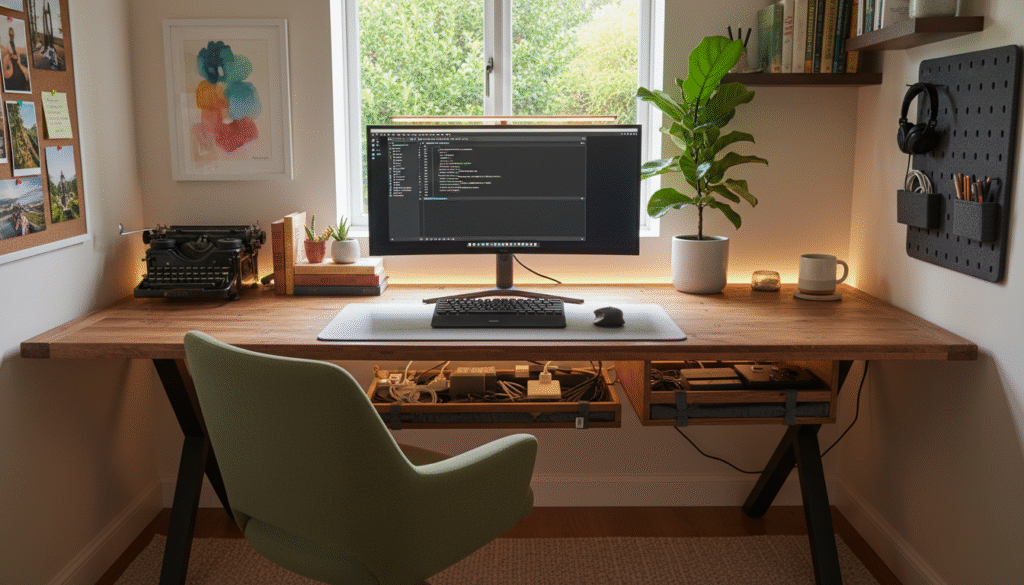
Personalizing your office fosters a sense of ownership and comfort, making it a space where you’re excited to work. Plants, for example, improve air quality and reduce stress, while artwork or inspirational quotes create a visually stimulating environment.
9. Soundproof Your Space for Focus
Noise can be one of the most significant distractions when working from home, especially if you share your space with others or live in a noisy environment. Soundproofing or using noise-cancelling technologies can help you maintain focus. It also helps you maintain a professional atmosphere during virtual meetings.
Recommended Products
Use soundproof curtains or acoustic panels to reduce noise from outside. Noise-canceling headphones, such as those from Bose or Sony, are great for maintaining focus in noisy environments.
10. Smart Organizational Tools for Efficiency
Why It’s Important
Automating your organizational systems helps reduce mental clutter. Whether it’s a task manager, cloud storage, or automated scheduling, smart tools save time and keep you on track.
Recommended Tools
Apps like Trello, Evernote, or Notion are excellent for organizing tasks, notes, and projects. For physical organization, consider filing cabinets or modular drawers that can be integrated seamlessly into your desk setup.
Conclusion: Creating the Ultimate Work-From-Home Setup
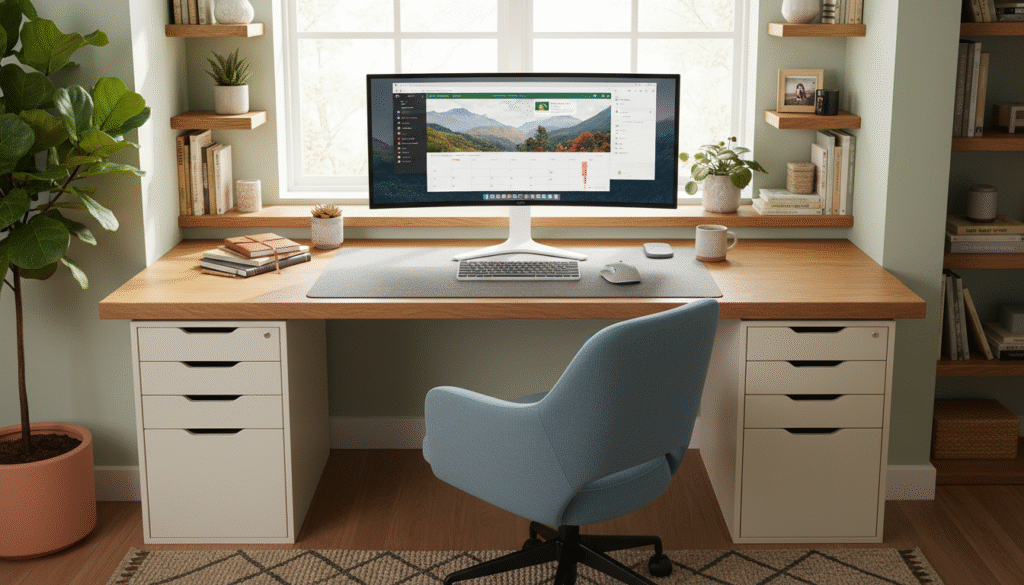
Creating the perfect work-from-home setup requires thoughtful planning, the right tools, and a balance of comfort and efficiency. By investing in ergonomic furniture, incorporating smart technology, and personalizing your space, you’ll be able to create a workspace that not only enhances productivity but also supports your overall well-being.
Whether you’re upgrading your existing setup or starting from scratch, these 10 ideas will help you build a home office that’s functional, stylish, and optimized for success. With the right equipment and a few thoughtful adjustments, you’ll be well on your way to a more efficient and enjoyable work-from-home experience.