

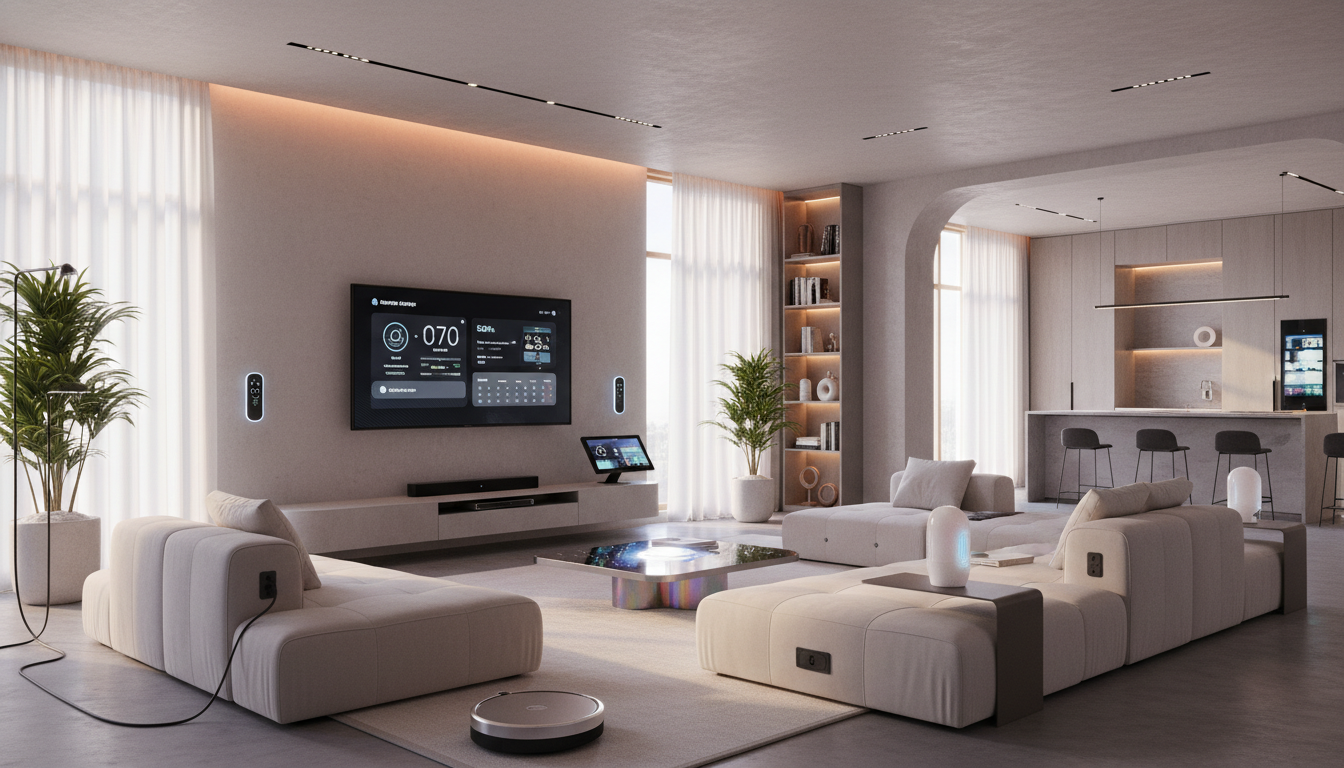
In our busy world, managing daily tasks can be overwhelming, especially when you have a lot of things competing for your time and attention. Smart home devices offer an efficient way to streamline your daily routines, reduce the mental load, and optimize the comfort of your home. These devices are designed to handle repetitive tasks for you, leaving you more time for what matters most.
In this guide, we’ll show you 12 practical strategies for automating your daily routines with smart home technology, ensuring your home stays organized, your comfort levels are maximized, and your time is used more efficiently.
1. Automate Your Morning Routine to Save Time
Mornings can be chaotic, especially if you’re running late or trying to juggle family and work. With the right smart devices, you can automate your morning routine to reduce the time it takes to get ready and leave the house.
How to Set It Up
- Smart alarm clocks: Use devices like Google Nest Hub or Amazon Echo Show to wake up with a personalized routine, such as gradually turning on lights, playing your favorite music or podcast, and giving you a weather update for the day.
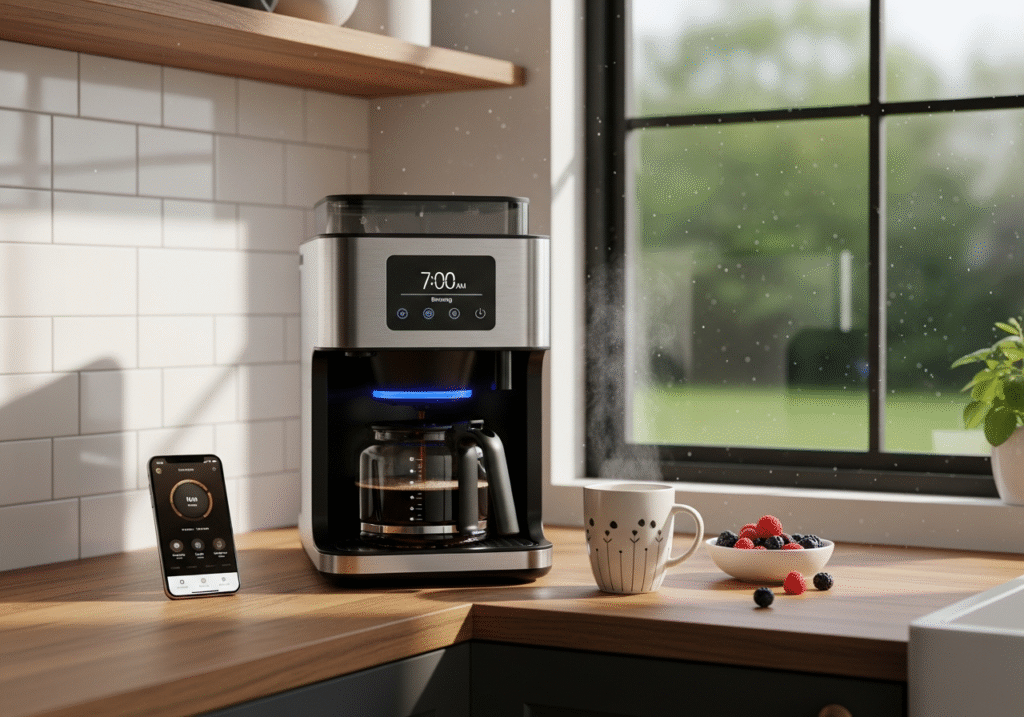
- Smart coffee makers: Program your coffee maker to brew a fresh pot of coffee right when you wake up. Devices like Keurig or Nespresso can be scheduled or controlled via apps, so you never have to wait for coffee again.
- Smart lights: Use Philips Hue lights to create a soft, gradual wake-up experience. Set your lights to gently brighten like a sunrise to help your body transition from sleep to wakefulness.
2. Automate Your Home’s Temperature for Comfort and Savings
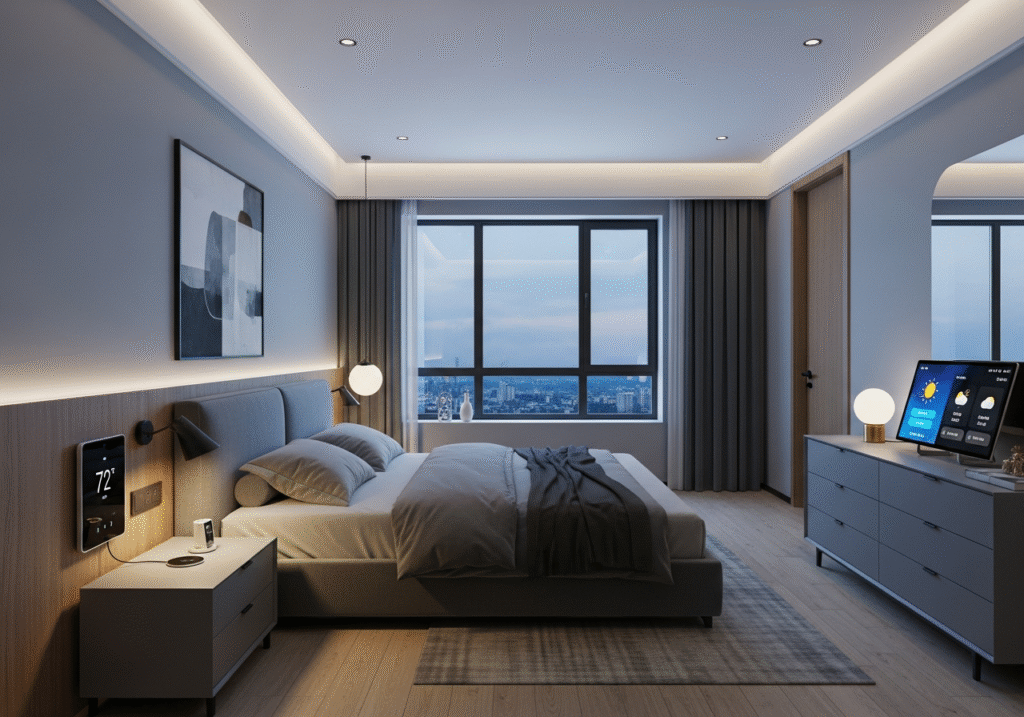
Managing your home’s temperature can be a hassle, but a smart thermostat can automate the process. It adjusts the temperature based on your preferences, daily routine, and even when you’re away.
How to Set It Up
- Smart thermostats: Devices like Nest or Ecobee allow you to set schedules for when you wake up, leave for work, and return home. For example, program your thermostat to cool the house during the day while you’re at work, then warm it up again before you return.
- Geofencing: With geofencing features, your thermostat can detect when you’re close to home and adjust the temperature accordingly, so you arrive at a perfectly comfortable home without wasting energy.
Not only does this improve comfort, but it also reduces energy waste and helps you save money on utility bills.
3. Set Up Smart Lighting to Match Your Routine
How to Set It Up
- Automatic light scheduling: Set lights to turn on or off at specific times throughout the day. For example, program your living room lights to turn on as you return home or automatically dim them for movie time in the evening.
- Motion sensors: Install motion sensors in hallways or bathrooms that automatically turn lights on when you enter and off when you leave. This is a convenient feature that saves energy and adds efficiency to your daily routine.
- Voice-activated lighting: Use voice commands with Amazon Alexa or Google Assistant to control your lights hands-free. Whether you’re cooking, cleaning, or relaxing, just say “turn off the lights” or “dim the lights” to adjust your home’s lighting without lifting a finger.
Lighting plays a significant role in setting the mood in your home. Smart lighting allows you to automate when and how your lights are used, saving energy and making your home feel cozy and functional.
4. Automate Household Chores with Smart Appliances
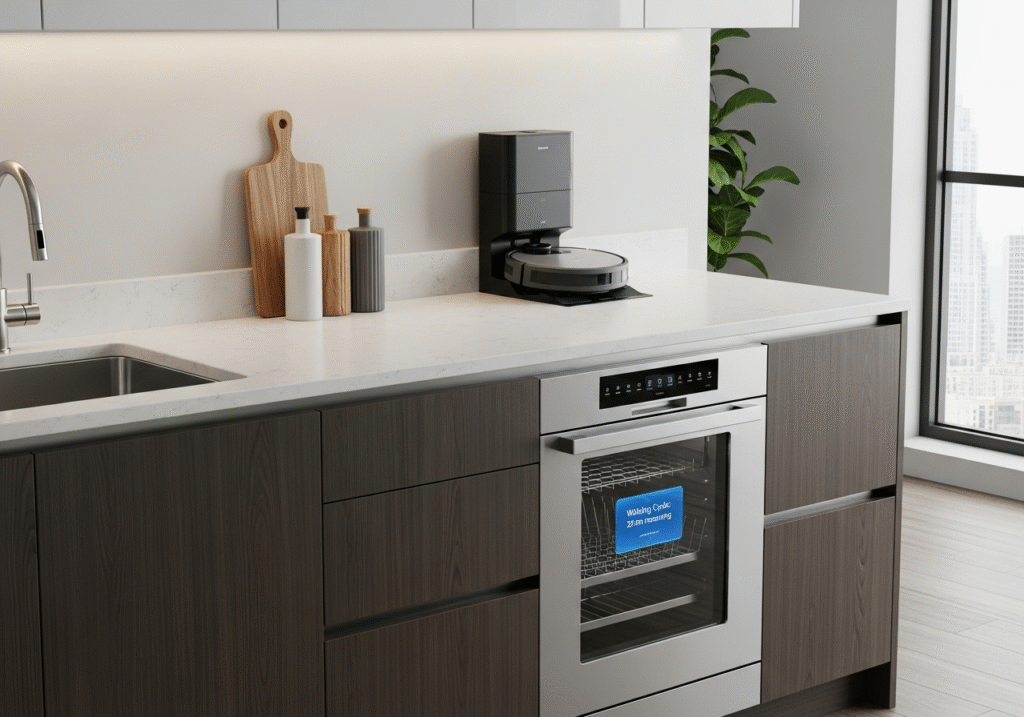
One of the biggest time-savers comes from smart appliances. From washing dishes to vacuuming, smart appliances can do the work for you, freeing up your time for other tasks.
Smart Vacuums
Devices like Roomba automatically clean your floors at scheduled times, so you don’t have to worry about vacuuming. Program it to clean while you’re at work, or run it every evening while you relax.
Smart Dishwashers
Use Bosch or Samsung dishwashers that can be scheduled remotely to run when it’s convenient for you, such as late at night when electricity rates are lower.
Smart Washing Machines
With devices like LG or Whirlpool, you can schedule laundry cycles or monitor washing progress through your smartphone, ensuring you never forget to start or stop a load of laundry.
5. Control Home Security Remotely with Smart Devices
Safety and security are top priorities for any home, and smart devices can help you automate security routines, giving you peace of mind whether you’re at home or away.
How to Set It Up
- Smart locks: Install August Smart Lock or Schlage Encode to lock and unlock your doors remotely. Set up automatic locking when you leave home or a specific schedule for your doors to lock at night.
- Smart cameras: Use Ring or Nest Cam to monitor your home remotely. You can set them to alert you when motion is detected, and receive instant updates on your phone. Plus, these cameras can record footage that you can access anytime.
- Smart doorbell: A video doorbell lets you see who’s at your door, even when you aren’t home. You can talk to delivery personnel or guests remotely, adding an extra layer of convenience and security.
6. Automate Evening Routines for Rest and Relaxation
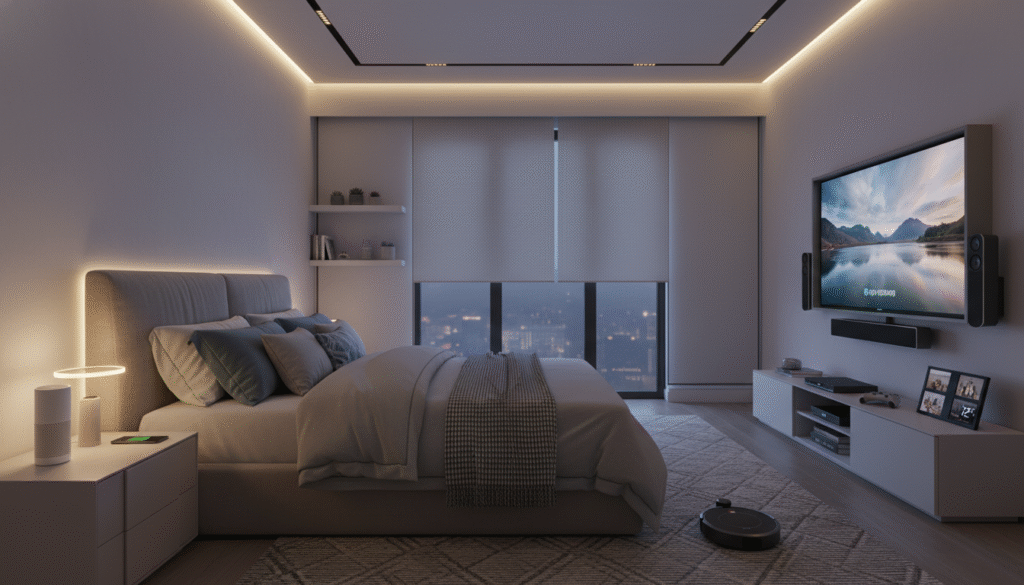
After a busy day, transitioning into relaxation mode is essential. Smart home devices can help automate your evening routine to create a soothing atmosphere. Then, you set the stage for a peaceful night of sleep while winding down after a long day.
Firstly, set your lights to dim gradually or turn on a soft, warm hue as the evening progresses. A feature like this can signal to your body that it’s time to wind down.
Secondly, use your Amazon Echo or Google Nest Audio to play calming sounds or music before bed. Set it to play your favorite playlist or white noise to help you sleep better.
Finally, adjust the temperature for bedtime comfort. Most smart thermostats have “sleep modes” that lower the temperature to an optimal sleep setting, promoting deeper rest.
7. Leverage Smart Voice Assistants for Seamless Control
Voice assistants like Amazon Alexa, Google Assistant, and Siri can serve as your personal smart home controller. They make managing all your smart devices effortless, without needing to physically interact with each one.
How to Set It Up
- Voice commands: Link your voice assistant to all compatible smart devices (thermostats, lights, locks, etc.). You can control everything from lights to music with just your voice.
- Set routines: Create custom routines for the day (e.g., “Good morning” to turn on the lights, play the news, and set the thermostat) or for bedtime (e.g., “Good night” to lock the doors, turn off the lights, and adjust the thermostat).

Conclusion: Automate Your Way to a More Efficient Home
With the right smart devices, you can streamline your daily routines and create a home that works for you: saving time, boosting efficiency, and providing unparalleled comfort. By incorporating simple automations into your day, you’ll spend less time on repetitive tasks and more time enjoying your space.
Start small and gradually integrate these devices into your daily life. Over time, you’ll enjoy a home that’s not just smart, but truly optimized for your lifestyle. Whether you’re automating your morning, managing energy usage, or securing your home, smart home devices are the key to creating a smoother, more efficient living environment.
Related Articles
- Smart Home Essentials: Real Pros & Cons to Boost Security, Save Money, and Simplify Living
- Step-by-Step Guide to Setting Up Your Smart Home: Simple Tips for Beginners to Maximize Convenience