

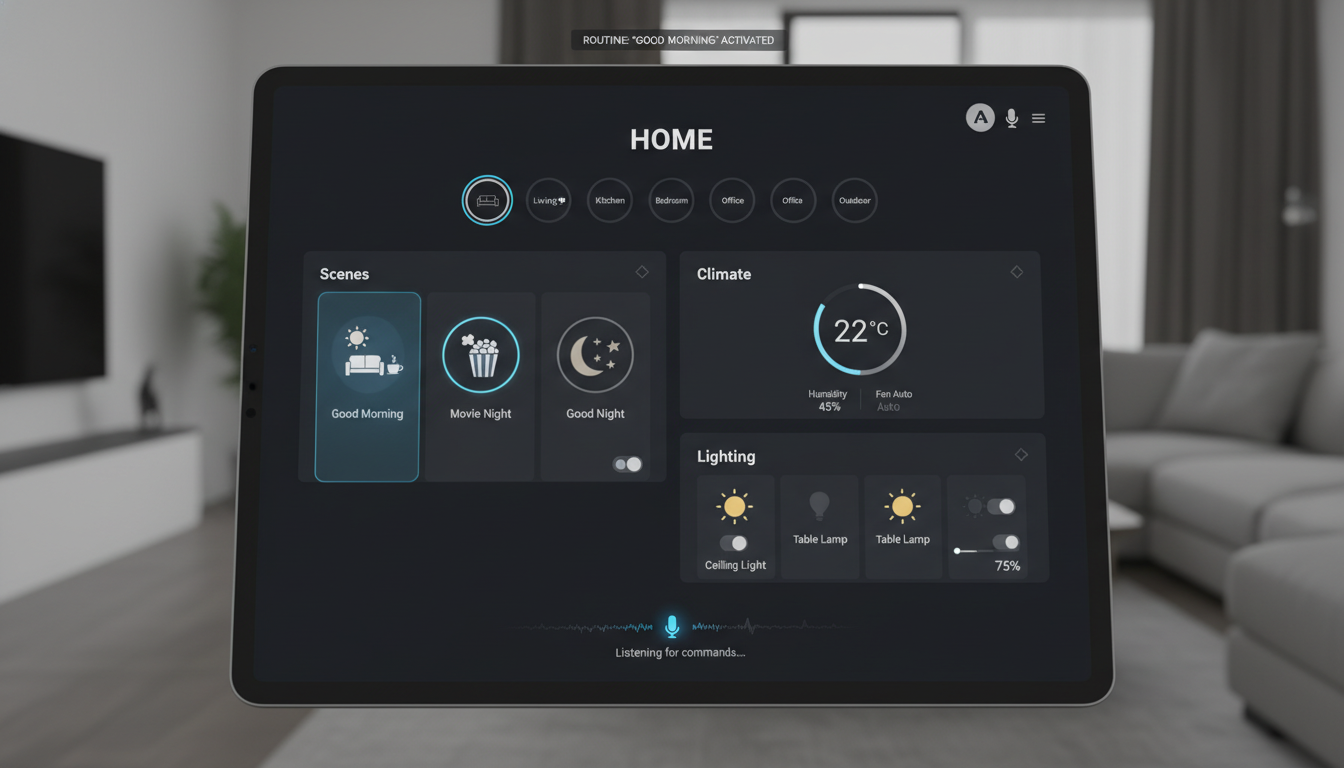
The future of home automation is here, and voice-controlled smart homes are leading the way. Whether you’re looking to optimize comfort, save energy, or simplify your routine, integrating voice assistants like Amazon Alexa, Google Assistant, or Apple Siri into your home makes it easier than ever to manage your space.
In this article, we’ll break down everything you need to know about setting up a voice-controlled smart home, from choosing the right voice assistant to seamlessly integrating smart devices. These tips will help you get started on transforming your home into a more efficient, connected, and convenient space.
1. Understanding Voice-Control in Smart Homes
Voice-controlled home automation allows you to manage various aspects of your home, such as lights, security, and climate, without lifting a finger. Voice assistants act as the brains of your home, enabling you to adjust settings and control devices via simple voice commands.
How Does It Work?
Voice assistants rely on AI-powered technology to listen for wake words (e.g., “Alexa,” “Hey Siri”) and carry out commands. Whether you want to dim your lights, adjust the thermostat, or control your home’s security, voice control simplifies the process. These assistants are often integrated with smart hubs or apps, allowing seamless connectivity between your devices.
2. Top Voice Assistants for Smart Homes
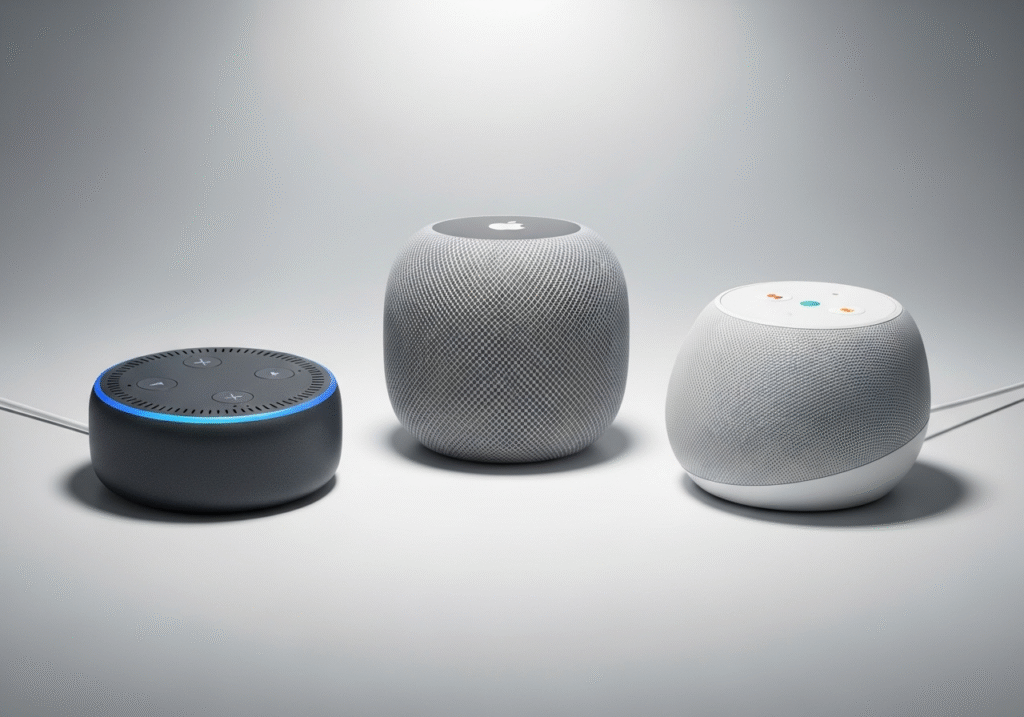
There are three major players in the voice assistant market: Amazon Alexa, Google Assistant, and Apple Siri. Each has its strengths and weaknesses, and the best choice depends on your preferences, home ecosystem, and device compatibility.
Amazon Alexa
- Pros: Alexa boasts the widest compatibility with third-party smart devices, making it ideal for a multi-brand smart home. It also integrates well with many smart hubs.
- Cons: Some users find Alexa’s voice recognition less accurate than other assistants.
Google Assistant
- Pros: Google Assistant offers advanced natural language processing, meaning it understands commands more conversationally, making it ideal for tech-savvy users.
- Cons: It doesn’t support as many smart devices as Alexa, which might limit its use in certain homes.
Apple Siri
- Pros: Siri integrates seamlessly with Apple devices and the HomeKit ecosystem, making it perfect for Apple-centric users.
- Cons: Siri has limited third-party device compatibility compared to Alexa and Google Assistant.
Which One Should You Choose?
If you’re already using Amazon Echo devices or rely heavily on smart home devices, Alexa might be your best bet. For a Google-centric experience, Google Assistant works best, and if you’re in the Apple ecosystem, Siri with HomeKit is the way to go.
3. Essential Smart Devices to Pair with Your Voice Assistant

Once you’ve chosen your voice assistant, the next step is integrating it with smart devices. From smart lighting to thermostats, these devices will help you create a more efficient and automated home. Here’s what you need:
Smart Lighting
Smart lights like Philips Hue or LIFX bulbs can be controlled by voice, allowing you to adjust the lighting in different rooms with ease. You can set up routines that automatically adjust the lighting based on the time of day or your activities.
Smart Thermostats
A smart thermostat like Nest or Ecobee lets you control your home’s temperature remotely and adjust it using voice commands. For example, “Alexa, set the thermostat to 72 degrees.” These devices can also learn your schedule and adjust automatically, saving you energy.
Smart Plugs
If you want to control everyday appliances like lamps, fans, or coffee makers, a smart plug like Wemo or TP-Link Kasa is a great solution. Simply plug in your devices and control them using your voice.
Smart Security
Devices like Ring doorbells and Nest cameras offer enhanced security features. They allow you to monitor your home remotely and answer the door or view footage from your camera with a simple voice command.
Smart Speakers
If you haven’t already got one, a smart speaker like Amazon Echo or Google Nest Hub serves as the centerpiece of your smart home. These devices allow you to control everything from lighting to music with just your voice.
4. How to Set Up Your Voice-Controlled Smart Home

Step 1: Choose Your Voice Assistant and Hub
Start by selecting your voice assistant (Alexa, Google Assistant, or Siri). Then, pick a smart hub (such as Amazon Echo or Google Nest Hub) to act as your central control unit.
Step 2: Install and Sync Devices
Once you have your assistant and hub, install the necessary apps (Amazon Alexa app, Google Home app, etc.) and sync your smart devices. This usually involves pairing each device with the app and following simple on-screen instructions.
Step 3: Set Up Routines
Routines are the key to automation. Set up a morning routine to open your curtains, adjust the thermostat, and start your coffee maker. You can also schedule a “good night” routine to dim the lights, lock doors, and adjust the thermostat before bed.
Step 4: Control Everything with Voice Commands
Once everything is set up, you can start using voice commands. For example, “Alexa, dim the living room lights” or “Hey Google, turn on the air purifier.” Ensure all devices are properly named in the app to make voice commands intuitive.
5. Troubleshooting Common Voice-Control Issues
While setting up a voice-controlled smart home is relatively easy, there are a few common issues you may encounter. Here’s how to troubleshoot them:
- Connectivity issues: Make sure your smart devices are connected to a stable Wi-Fi network. Poor connectivity can cause devices to be unresponsive or delay in acting on voice commands.
- Unresponsive voice assistant: If your assistant isn’t responding, check the microphone settings on your device and ensure it isn’t muted. Restarting the device or updating the firmware can also resolve some issues.
- Inaccurate voice recognition: If your voice assistant struggles to understand commands, ensure that you’re speaking clearly and using the correct wake word. You can also retrain the assistant’s voice recognition to improve accuracy.
6. Maximizing Efficiency with Smart Automation
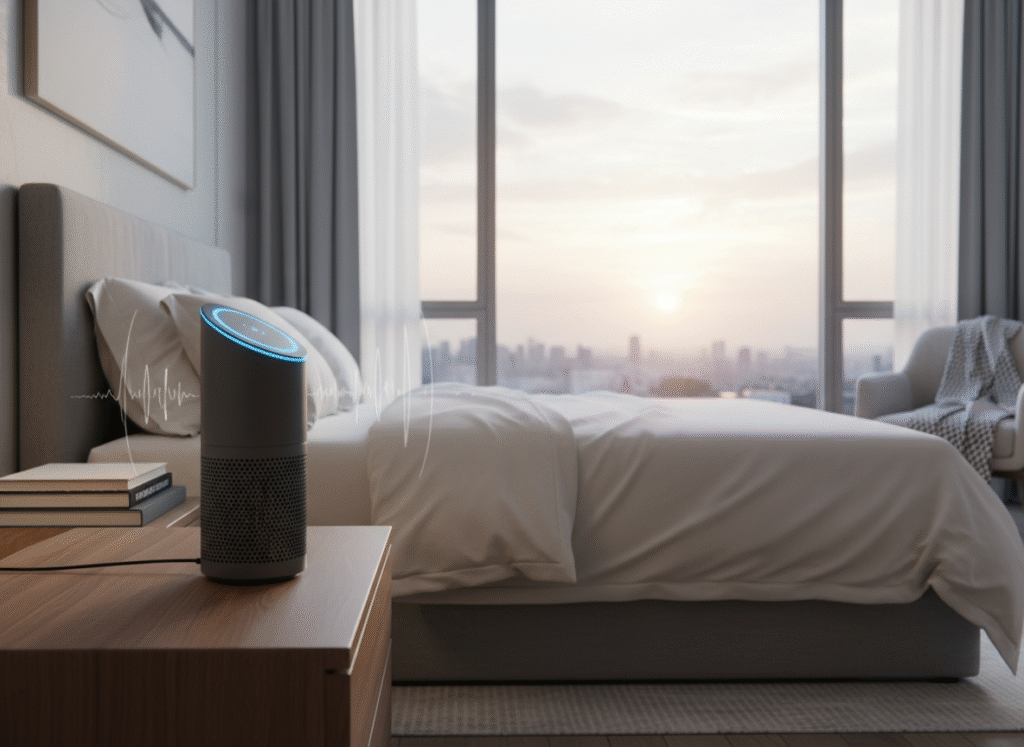
Voice control is just the beginning. Once you’ve set up your smart home system, you can further enhance its efficiency by using smart automation.
How to Implement Automation
- Time-based automation: Set devices to automatically adjust based on time of day. For example, have your lights turn off at midnight or your thermostat adjust based on your daily schedule.
- Location-based automation: Use geofencing to trigger actions when you leave or return home. Your thermostat can turn on as you arrive, or your lights can automatically turn off when you leave.
- Condition-based automation: Pair your devices with sensors, such as motion detectors or smart locks, to trigger actions. For instance, set your lights to turn on when motion is detected or your door to lock when you leave.
These automations further streamline your daily tasks, so you can live in a more efficient and connected home.
7. Privacy and Security Considerations for Voice-Controlled Homes
While voice assistants are incredibly convenient, there are privacy concerns. By staying proactive about privacy, you can ensure a balance between convenience and security. Here’s how to protect your data while enjoying the benefits of a smart home.
Protect Your Privacy
- Mute when not in use: When you aren’t using your voice assistant, mute the device to ensure it isn’t listening.
- Review and delete voice data: Regularly review and delete voice recordings from the assistant’s app to minimize data storage.
- Use strong security: Set up two-factor authentication for your smart home accounts and use strong passwords for your Wi-Fi network.
Conclusion: Embrace the Convenience of a Voice-Controlled Smart Home
A voice-controlled smart home offers unmatched convenience, efficiency, and comfort. By setting up smart devices and integrating them with a voice assistant, you’ll save time, optimize your home’s energy usage, and create a connected environment that adapts to your needs.
Start small and gradually build your smart home ecosystem. As you add more devices and routines, you’ll soon experience the full benefits of voice control, from enhanced comfort to smarter automation.