

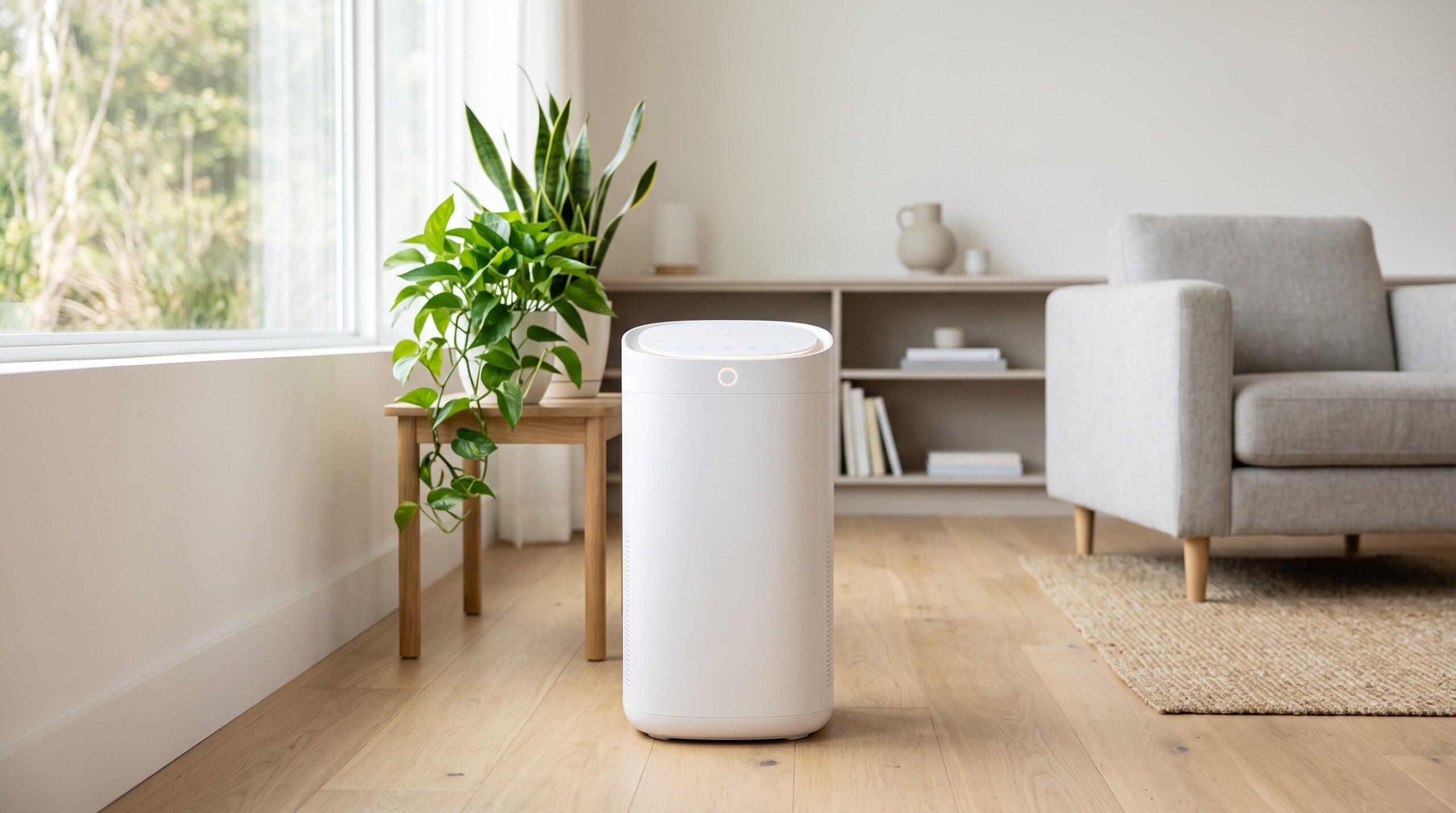
Air purifiers and filters play a crucial role in maintaining a healthy indoor environment. Over time, however, dust, allergens, and other particles can accumulate in the filters, reducing the efficiency of your device. Regular cleaning and maintenance are essential to keep your air purifier running smoothly, improving both airflow and air quality while extending the life of the unit.
In this article, we’ll take you through the steps of cleaning your air filters and air purifiers, explore troubleshooting tips, and offer expert advice on how to maintain these devices for optimal performance.
1. Why Regular Cleaning of Air Purifiers is Important
Cleaning your air purifier isn’t just about tidiness, it’s also keeping your indoor air quality at its best. A clean air purifier runs more efficiently, uses less energy, and helps you breathe easier by removing dust, pollen, pet dander, and other harmful particles from your home’s air.
Key Benefits of Cleaning
- Improved air quality: Dirty filters trap fewer particles, causing your purifier to work less effectively. Regular maintenance ensures maximum filtration of pollutants.
- Energy efficiency: Clogged filters can force your purifier to work harder, using more energy. Keeping your filters clean helps the device operate efficiently and reduces electricity consumption.
- Prolonged lifespan: Routine cleaning and maintenance prevent your air purifier from wearing out prematurely. By caring for it, you ensure that it lasts longer and continues to perform optimally.
2. Step-by-Step Guide to Cleaning Air Purifiers and Filters
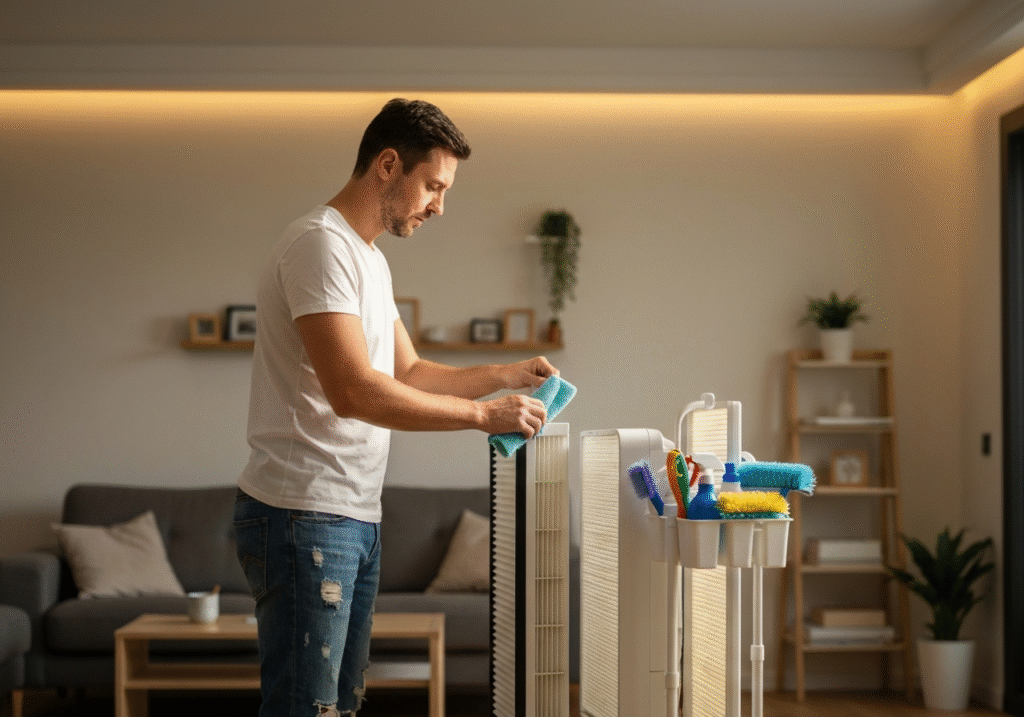
Proper maintenance involves more than just wiping down the unit. Each component of your air purifier plays a specific role, and cleaning them regularly is key to maintaining efficiency and extending the device’s life.
Step 1: Unplug and Turn Off the Device
Before cleaning, make sure to unplug your air purifier and turn it off. This will ensure safety and prevent accidental changes to settings during cleaning. Always follow the manufacturer’s safety instructions when handling electrical devices.
Step 2: Remove and Clean the Pre-Filter
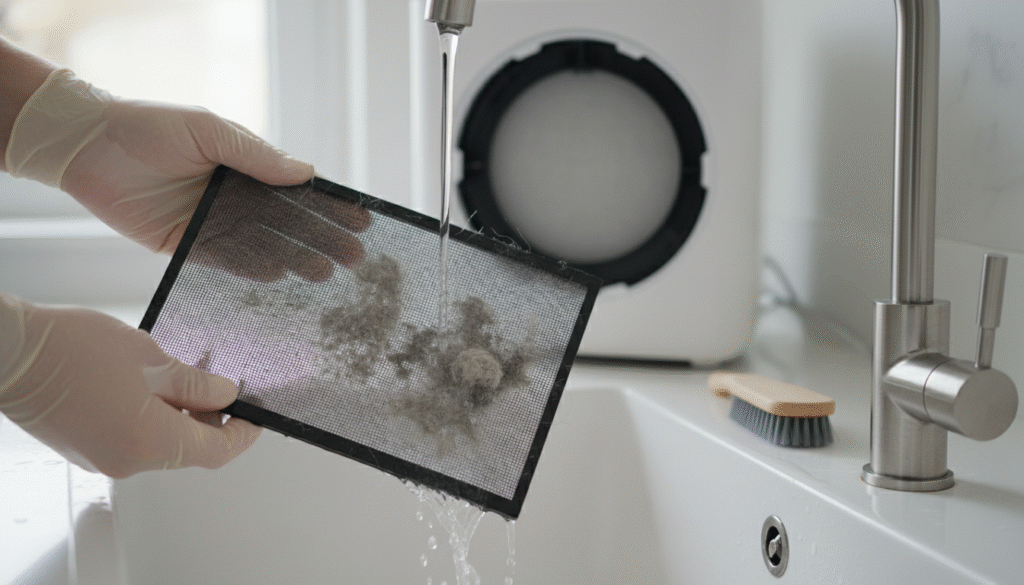
The pre-filter catches larger debris such as dust, hair, and pet dander. It’s typically washable or vacuumable. If washable, use warm water and mild soap to clean the filter, then let it dry completely before reinserting. If it isn’t washable, use a vacuum cleaner with a soft brush attachment to remove the dust and dirt buildup.
Step 3: Clean the HEPA Filter
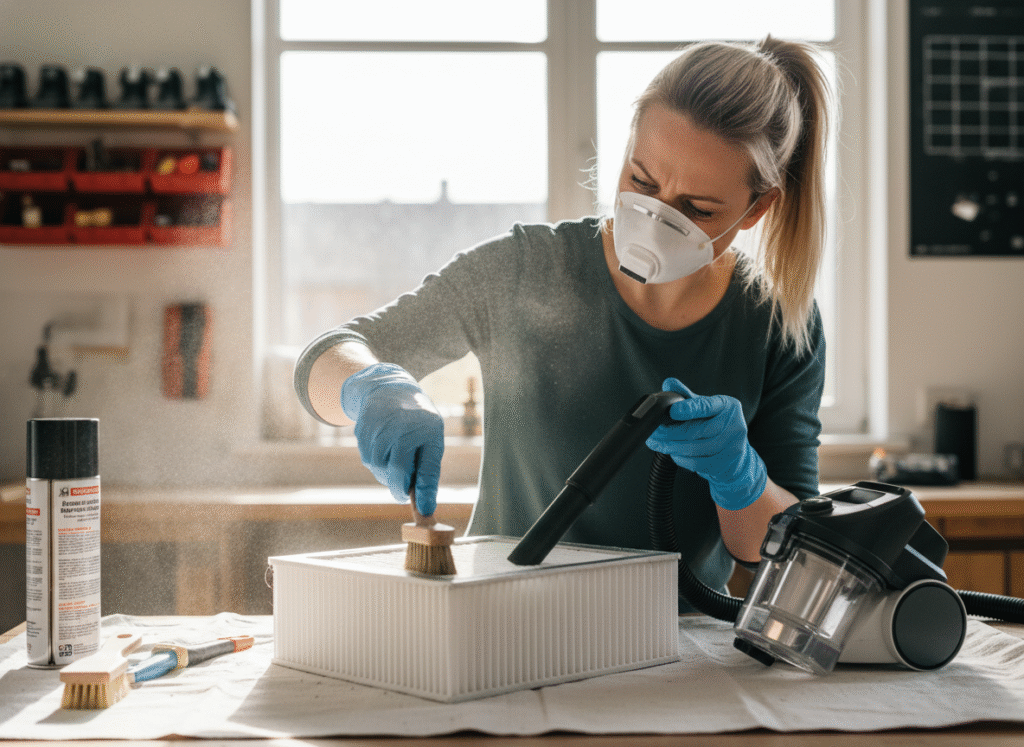
The HEPA filter is the heart of your air purifier, capturing tiny particles like allergens, bacteria, and viruses. Over time, these particles can clog the filter, reducing its effectiveness.
Most HEPA filters can’t be washed, but you can vacuum them gently with a soft brush attachment to remove debris. Be careful not to damage the fibers of the filter. If the filter is too clogged or hasn’t been replaced in the last 6-12 months, it may be time to replace it with a new one.
Step 4: Clean the Activated Carbon Filter
The activated carbon filter absorbs odors and gases in your home. Over time, it loses its effectiveness. Vacuum this filter gently to remove loose dust, but if the odors persist or if it’s been in use for a while, it’s time to replace it. Generally, you should replace the carbon filter every 6-12 months.
Step 5: Wipe Down the Exterior
Once the internal filters are clean, take a damp microfiber cloth to wipe down the exterior of your air purifier. This helps remove any dust, dirt, or fingerprints and keeps the device looking new. Make sure to avoid using harsh chemicals that could damage the surface. If there are vents or air intakes, ensure they’re clear of any debris to prevent airflow blockages.
3. How Often Should You Clean Your Air Purifier?
The frequency of cleaning your air purifier depends on the type of device and the environment. Regular cleaning is essential, but there’s no one-size-fits-all schedule. Here’s a general timeline to follow:
Recommended Cleaning Schedule
- Pre-filters: Clean every 2-4 weeks to maintain airflow and prevent clogging.
- HEPA filters: Clean or replace every 6-12 months, depending on the manufacturer’s recommendations and your usage.
- Activated carbon filters: Replace every 6-12 months. If odors linger or the purifier seems ineffective, it’s time to change it.
- Exterior wipe-down: Clean the exterior once a month to remove dust, which can accumulate on the surface and impact the appearance of your device.
4. Troubleshooting Common Air Purifier Problems
1. Air Purifier Isn’t Working Efficiently
If your air purifier is struggling to clean the air, check the filters. A clogged HEPA filter or dirty carbon filter can significantly reduce performance. Clean or replace the filters as needed. If the filters are fine, check for obstructions around the air intake vents that may be blocking airflow.
2. Persistent Odors
Even after cleaning, if odors persist, it could mean your activated carbon filter is saturated and needs replacing. Additionally, odors could be coming from mold in the device, especially if it isn’t cleaned regularly. Clean the unit thoroughly and replace any affected filters.
3. Strange Noises
Noisy operation is usually caused by dust accumulation in the fan or motor. Use a soft brush to clean the fan blades and ensure the motor is free from debris. If the noise continues, it might indicate a malfunctioning motor or fan, which could require professional repair.
5. Eco-Friendly Tips for Maintaining Your Air Purifier
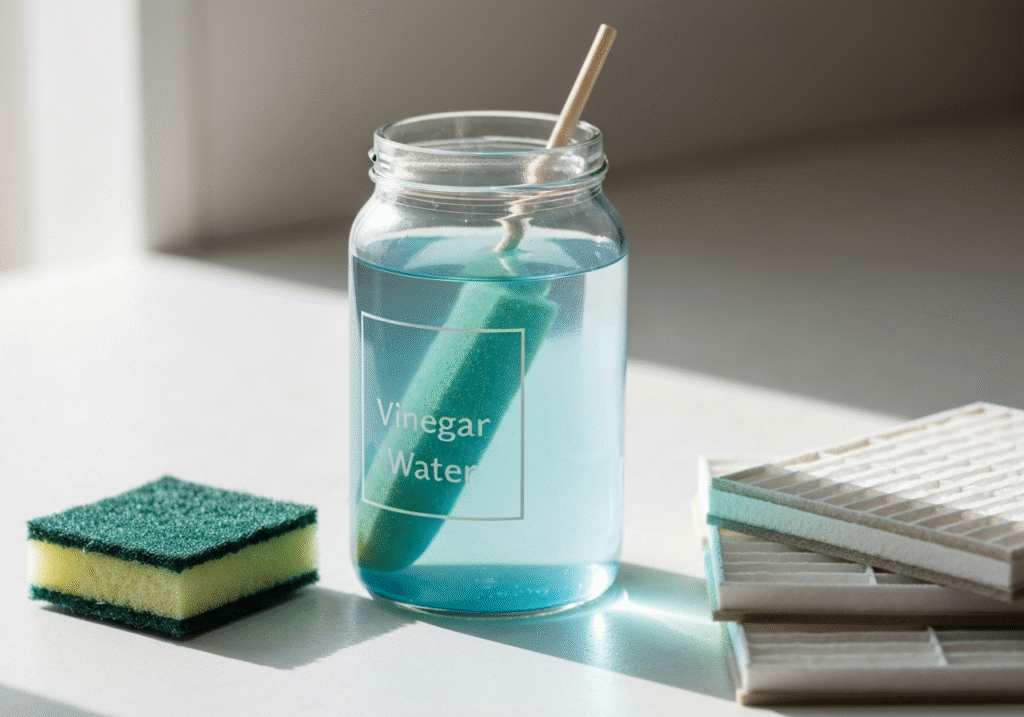
Maintaining your air purifier in an environmentally-friendly way not only benefits your home’s air quality but also reduces your carbon footprint. Here’s how to maintain your air purifier sustainably:
- Use natural cleaning products: Instead of harsh chemicals, use natural, non-toxic cleaning solutions like vinegar and water to wipe down your air purifier.
- Recycle used filters: Some manufacturers offer recycling programs for HEPA and activated carbon filters. Contact the manufacturer or check their website for recycling instructions.
- Energy efficiency: Many air purifiers come with energy-saving modes that reduce power consumption. Use these settings to minimize electricity use when the purifier isn’t needed at full power. Also, consider using a timer function to automatically turn the device off after a set time.
6. Beyond Cleaning: Tips for Maintaining Healthy Air Quality
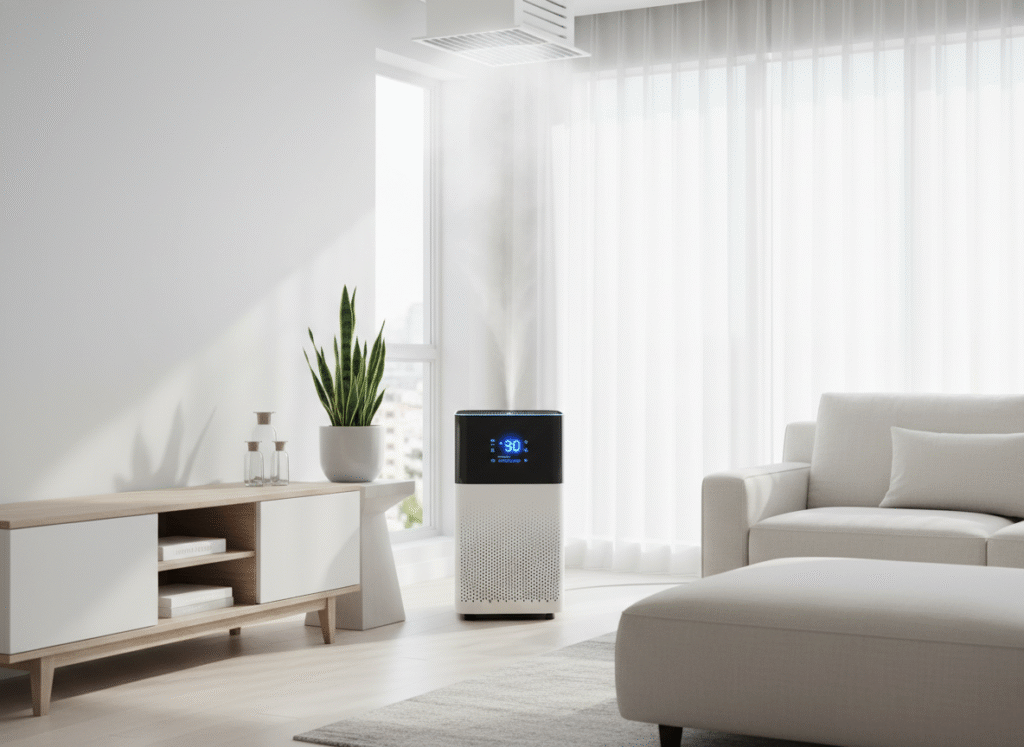
While cleaning your air purifier is crucial, there are other ways to improve indoor air quality.
Firstly, proper ventilation helps circulate fresh air and reduces the buildup of indoor pollutants. Open windows periodically, even in winter, to let in fresh air.
Secondly, excessive humidity can promote mold and mildew growth. Use a dehumidifier to maintain an ideal humidity level (40-60%) in your home.
Finally, minimize sources of indoor air pollution by avoiding tobacco smoke, using natural cleaning products, and limiting the use of candles or incense.
Conclusion: Keep Your Air Purifier Running Like New
Cleaning your air purifier regularly is essential to maintaining its effectiveness and extending its lifespan. By following these easy cleaning steps, such as vacuuming or replacing filters, wiping down the exterior, and keeping the device free from debris, you’ll improve your indoor air quality and ensure that your purifier performs at its best.
Taking the time to properly maintain your air purifier not only ensures a cleaner, healthier home but also saves you money in the long run by preventing costly repairs and replacements. A little effort goes a long way toward making sure that the air you breathe is always fresh and clean.
Related Articles
- 10 Effective Cleaning Tips for Allergy Sufferers: Simple Ways to Reduce Dust and Improve Air Quality at Home
- House Cleaning Checklist & Cleaning Schedule: Essential Daily, Weekly, and Monthly Tasks for a Cleaner, More Organized Home
- 20 Seasonal Home Maintenance Tasks: A Complete Year-Round Checklist to Keep Your Home in Top Shape