

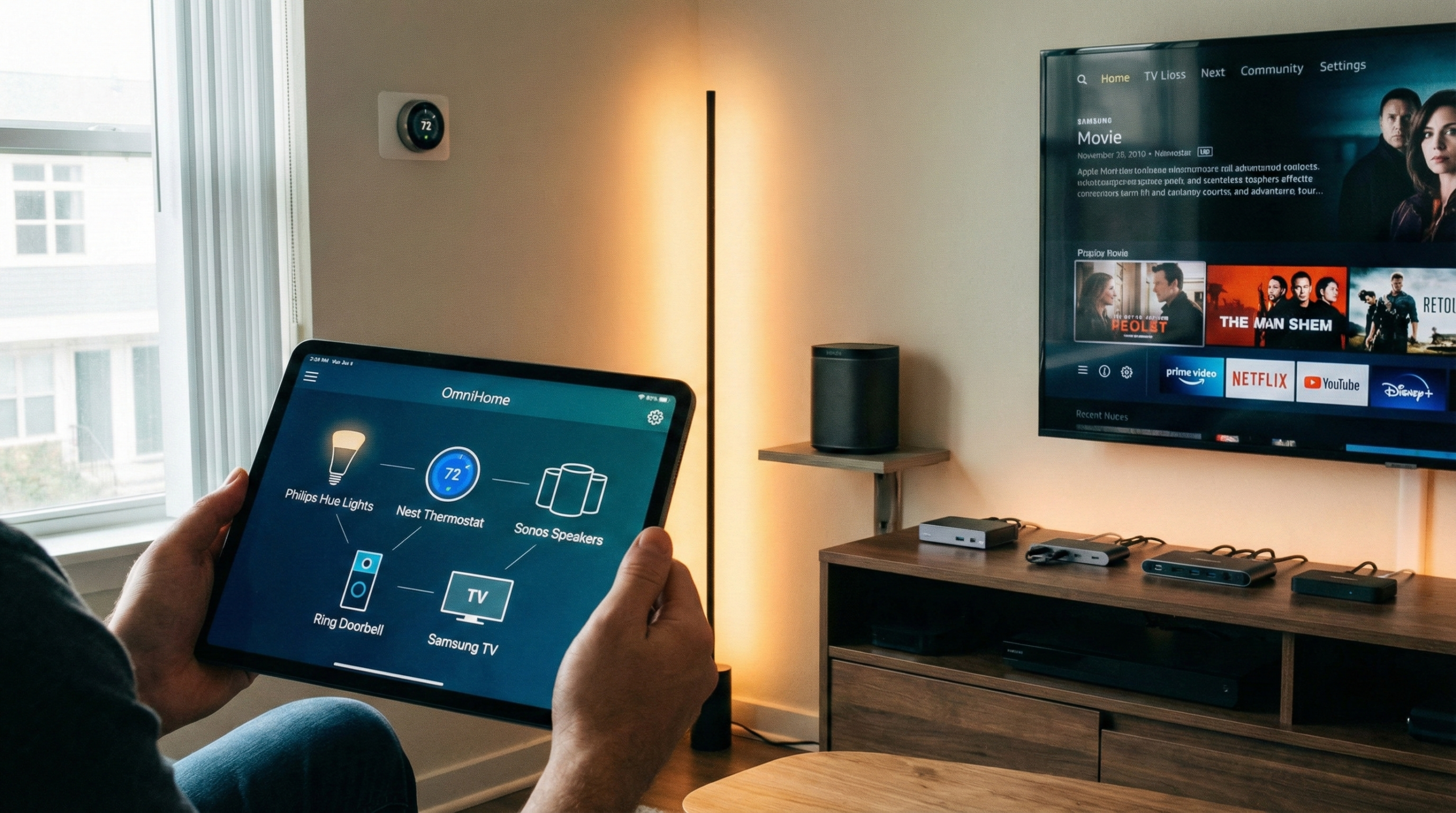
As the world embraces smart home technology, connecting various devices for a seamless, efficient living experience has never been more popular. But with the convenience of multiple smart devices comes the challenge of ensuring they all work together across different brands. Whether it’s a voice assistant, smart thermostat, or security system, integrating devices from various manufacturers can seem daunting. This guide will walk you through real-world methods to seamlessly integrate smart devices, maximize efficiency, and improve both functionality and security in your home.
Why Cross-Brand Compatibility Matters for Your Smart Home
Smart home devices come in all shapes, sizes, and brands. While the main appeal of these devices is their ability to automate your home and improve your daily life, the challenge arises when different brands don’t communicate well with each other. Historically, users were often confined to one brand ecosystem, such as Apple HomeKit, Google Home, or Amazon Alexa, but newer standards, such as Matter, are changing the game, allowing for cross-brand compatibility.
Why You Should Care
- Flexibility: Choosing devices from different brands means you can select the best product for your needs, rather than being locked into one brand’s ecosystem.
- Cost efficiency: Sometimes, the best device for your home comes from a brand that doesn’t work with your current smart system. By enabling compatibility across brands, you can make cost-effective choices without compromising on performance.
- Future-proofing: As new devices and standards emerge, having an integrated, flexible system allows you to add new products without worrying about them not working with your existing devices.
New Trends in Smart Home Integration
The Matter Standard
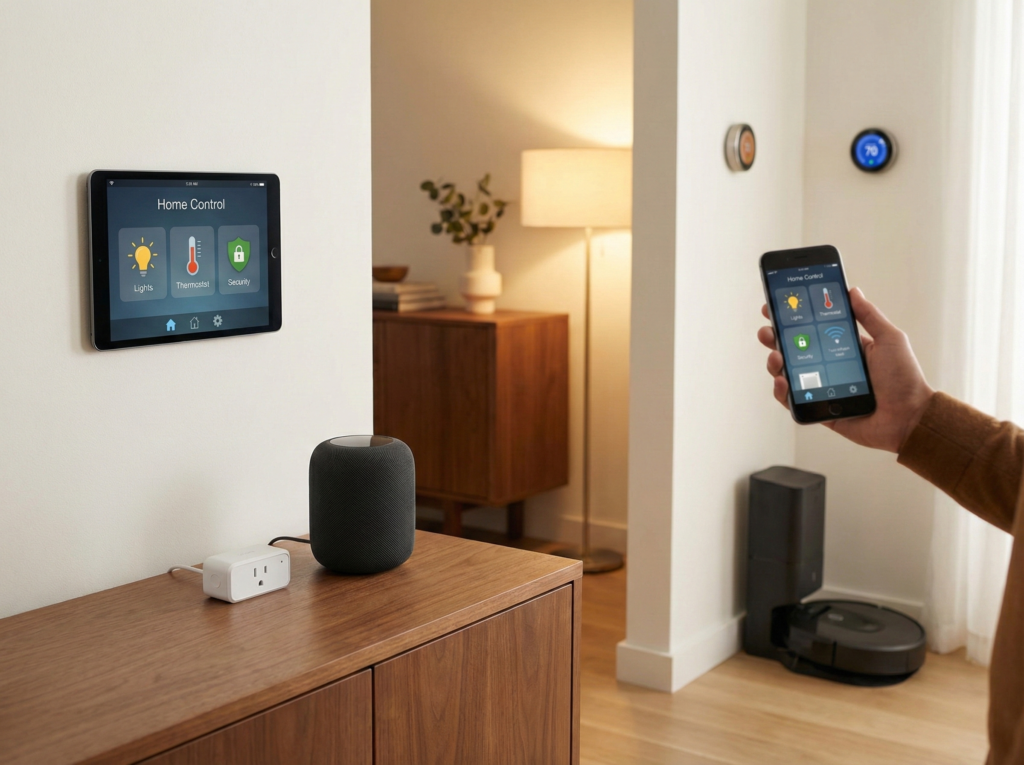
Matter is the new universal standard for cross-brand smart home integration, designed to make it easier for smart devices from different brands to work together seamlessly. Matter is supported by major companies such as Google, Apple, Amazon, and Samsung. By supporting this standard, devices can communicate with one another regardless of the brand, allowing for a unified smart home system.
AI-Driven Integration
Many smart home devices now come with artificial intelligence (AI) capabilities, enabling them to work more efficiently and adapt to your preferences. AI helps to automate tasks based on learned behavior, making it possible for devices to suggest or adjust actions without manual input.
Voice Control Across Brands
Instead of being limited to one voice assistant (Google Assistant or Alexa), smart homes are increasingly allowing multiple voice assistants to control different devices. For instance, you can have Amazon Echo controlling your lights and Google Nest handling your thermostat, all seamlessly working in the background.
How to Integrate Smart Devices Across Brands: Step-by-Step
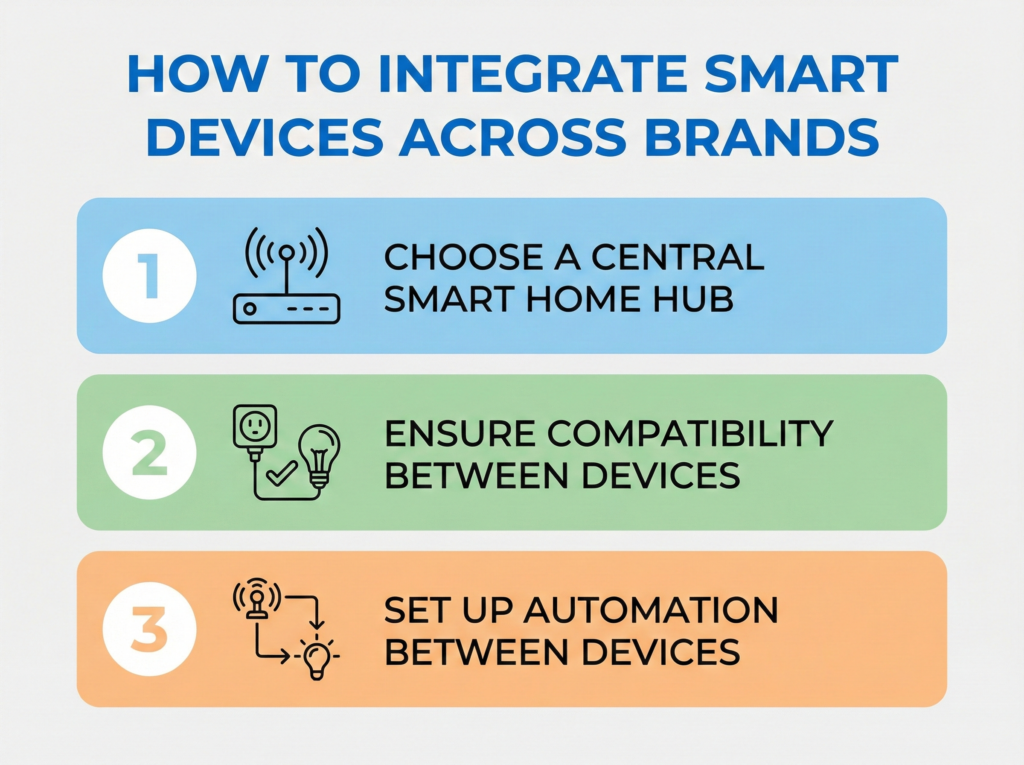
Step 1: Choose a Central Smart Home Hub
To bring together devices from different brands, you need a central hub. This will serve as the command center of your smart home, allowing all devices to be controlled via a single platform. Popular options include:
- Amazon Alexa: Compatible with thousands of smart devices from various brands.
- Google Home: Works seamlessly with devices supporting Google Assistant.
- Apple HomeKit: Offers a secure and user-friendly ecosystem for Apple users.
- Home Assistant: An open-source platform that integrates devices from any brand and supports various protocols.
Step 2: Ensure Compatibility Between Devices
Smart home devices often communicate via protocols like Z-Wave, Zigbee, or Wi-Fi. It’s essential to make sure that all your devices are compatible with your chosen hub.
How to do it:
- Check device specifications: Look at the technical details of each device to confirm which protocols they support.
- Use cross-platform integrators: Devices like Philips Hue lights or Ring doorbells work with multiple hubs. Before you buy, make sure the device supports the ecosystem you’re using.
Tip: If you have devices from different ecosystems (e.g., Alexa, Google Assistant), check if they’re compatible with Matter or support IFTTT (If This Then That), which helps automate workflows between devices from different brands.
Step 3: Set Up Automation Between Devices
Once you have all your devices connected to your smart hub, you can set up automation rules to ensure they work in harmony. For example, you can set the lights to turn on automatically when you unlock your front door or have your thermostat adjust based on your location.
How to Do It
- Create automation routines: Use the app or smart assistant to set up automation rules like, “If the front door is unlocked, turn on the lights,” or “When I leave home, set the thermostat to energy-saving mode.”
- Use IFTTT for custom workflows: If your devices don’t support direct automation, use IFTTT to link actions across different brands. For example, an Alexa-compatible device can trigger actions in Google Home using IFTTT.
5. Troubleshooting Cross-Brand Smart Home Integration
Devices Not Syncing
If devices aren’t communicating properly, it’s often a compatibility issue between protocols. For example, a Zigbee device might not work with a Z-Wave hub.
Solution: Make sure all devices are using compatible communication protocols. If necessary, invest in a multi-protocol hub that can handle different technologies.
Automation Failures
Sometimes, your automated routines might not trigger as expected. This can happen if devices aren’t properly synced or if the hub isn’t correctly configured. To avoid it, double-check the settings on your automation platform and ensure that devices are linked correctly. Restarting devices or the hub can often fix connectivity issues.
Connectivity Issues
If devices aren’t responding or lagging, it could be due to Wi-Fi congestion or a weak signal. Consider using a mesh Wi-Fi system to improve coverage, or place your hub and devices closer to the router for a more stable connection.
Ignoring Security Risks
Smart home devices can be vulnerable to hacking if not secured properly. Failing to set strong passwords or not updating devices can expose your system to threats.
Conclusion
Creating a seamless smart home with devices from multiple brands is an achievable, practical solution. By carefully selecting a smart home hub, ensuring device compatibility, and implementing automation, you can build a connected home that’s efficient, secure, and tailored to your needs. Stay informed about the latest trends, avoid common mistakes, and apply expert tips for integrating devices from different brands to unlock the full potential of your smart home. With a bit of planning and the right tools, you can have a truly smart, efficient home that works effortlessly for you and your family.
Related Articles
- Smart Home Comfort Solutions for Better Comfort and Daily Wellbeing
- Step-by-Step Guide to Setting Up Your Smart Home: Simple Tips for Beginners to Maximize Convenience