

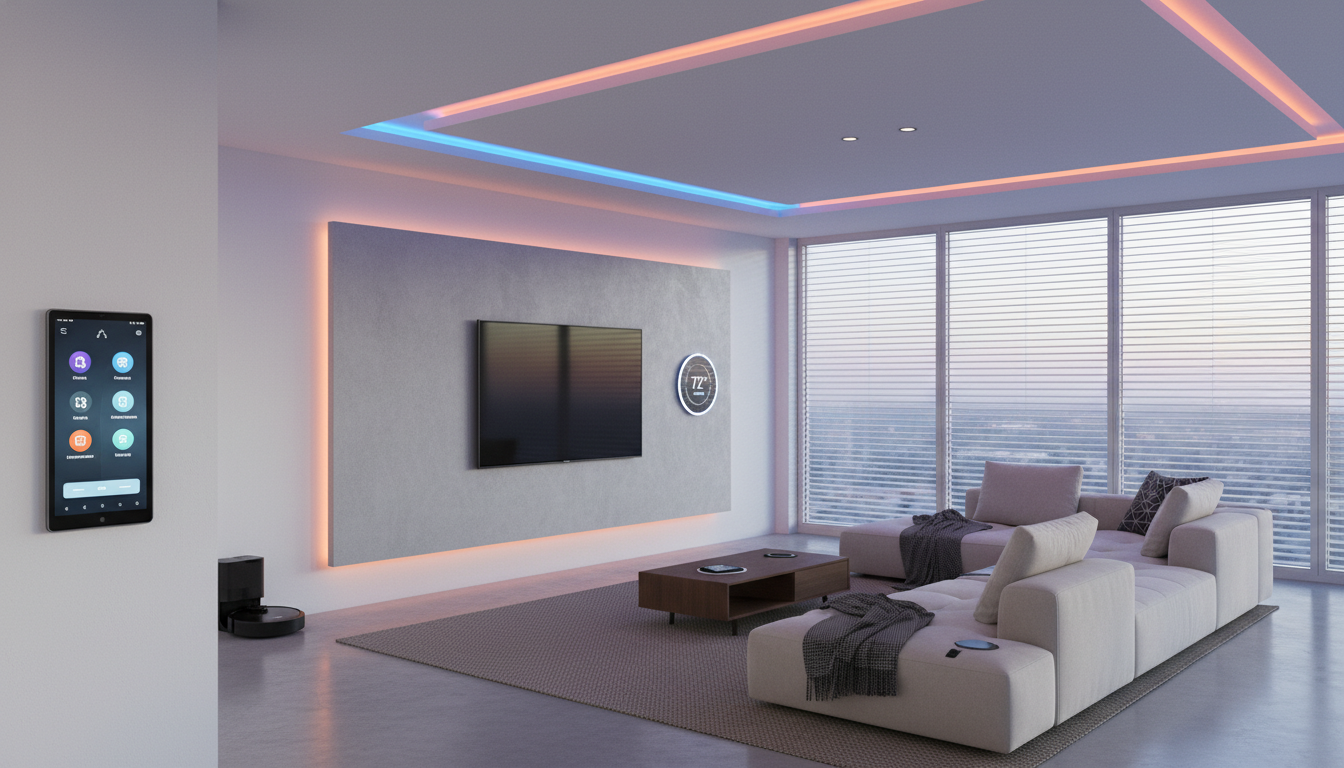
Transforming your house into a smart home doesn’t need to feel hard, costly, or confusing. You can make your living space more comfortable, energy-saving, and safe with some planning and easy-to-use devices that suit your needs.
If you dream of lights that switch on by themselves, a thermostat that follows your habits, or cameras that provide security while you’re away, this guide can help. It’ll show you straightforward steps to set up a smart home without the hassle.
Here’s how to get started on your smart home journey, one step at a time.
Why Build a Smart Home?
A smart home isn’t about fancy tech, it makes daily life simpler. Today’s smart homes adapt to your lifestyle, making them suitable whether you live in a tiny apartment, a big house, or whether you’re new to smart tech or raising a family.
These are the main reasons people make the switch:
- Ease of use: Control appliances, locks, and lights straight from your phone or using voice commands.
- Security: Use smart cameras, doorbells, and sensors to check what’s happening at home anytime.
- Cut costs: Save money with smart thermostats, lighting, and plugs that work to lower energy usage.
- Ease and comfort: Adjust your lights, temperatures, and even entertainment options with just one simple tap.
- User-friendly features: Voice commands, automated tools, and mobile apps make it easier for everyone to operate.

STEP 1: Set Your Goals and Make a Simple Plan
Before you buy anything, figure out what you want from your smart home setup.
Things to think about:
- Do you want easier daily routines?
- Is better home security your goal?
- Are you looking to cut down energy use and save on your bills?
- Would you enjoy better ways to control entertainment and media?
- Do you need features like voice control or automation for accessibility?
Your goals will guide your choices so that you don’t end up with useless gadgets that won’t work well together.
Pick 1 or 2 main goals to focus on:
✔ Set up smart lighting to automate your home
✔ Boost security with smart home monitoring
✔ Lower energy costs with climate control features
✔ Simplify tasks using voice commands
✔ Create a safer space for kids or older family members
STEP 2: Pick Your Smart Home Ecosystem
The ecosystem acts as the “language” that your smart devices use to work together. Deciding on the right one from the start avoids issues with compatibility in the future.
Four Main Ecosystem Choices
| Ecosystem | Best for | Pros | Things to think about |
|---|---|---|---|
| Amazon Alexa | New users, renters, or homes with mixed gadgets | Works with most devices, budget-friendly easy to add new devices | The app has to stay open on your phone for voice commands |
| Google Home | Android lovers, automation pros | Top-notch voice assistant smart recommendations | Some products need extra setup |
| Apple HomeKit | iPhone fans, privacy-focused setups | Very secure, simple and user-friendly interface | Fewer compatible devices, tends to cost more |
| Matter-Compatible Systems (2024 trend) | People looking to adapt for the future | Improves how devices from different brands work together | Still new, always check if your gadgets are “Matter” compatible |
Helpful Hint For Starters
Start by picking the system that works with your phone. iPhone users go with HomeKit while Android users should choose Google Home. This makes setting everything up easier and less of a headache later.
STEP 3: Check If Your Wi-Fi Can Handle a Smart Home
Your biggest problem won’t be the smart gadgets; it’s the Wi-Fi. These days, many modern devices use Thread or Zigbee. These technologies build a mesh network to cut down on Wi-Fi interference. Picking devices that support Matter/Thread ensures your setup stays ready for future updates.
Essentials to Set Up a Smart Home
- A strong Wi-Fi signal in all parts of your house
- An up-to-date router
- A separate guest or IoT network to keep devices secure
- Enough bandwidth to handle cameras and streaming
What To Do In Case Of Limited Wi-Fi Coverage
- Get a mesh Wi-Fi system
- Place your router in a better central spot
- Try using Wi-Fi extenders
- Move to faster internet if your cameras disconnect or experience lag
STEP 4: Start Simple With High-Impact Devices
1. Smart Speakers (Your Digital Assistant)
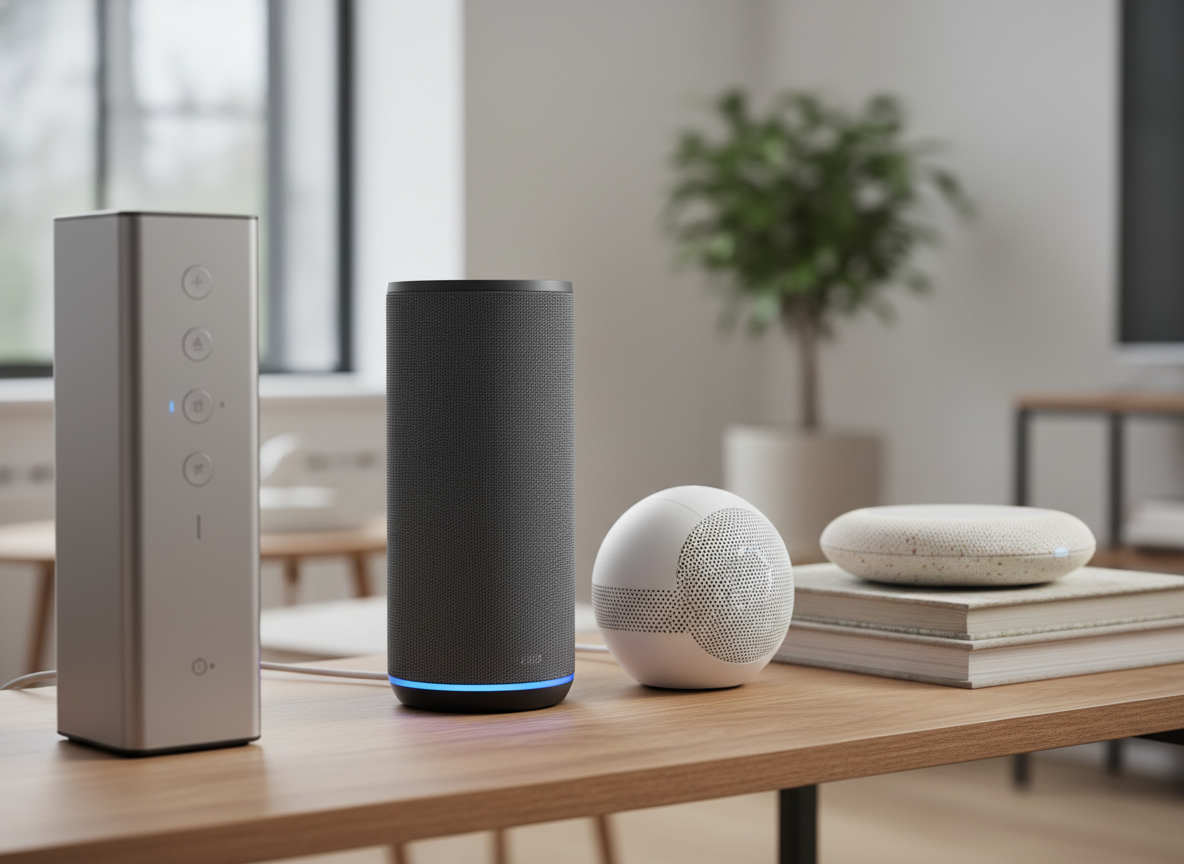
Smart speakers work as your main control center. They allow hands-free device control and help set up routines. They can address times when your hands are busy, use timers-set reminders, check the weather, or control your lights without moving from your spot.
2. Smart Lights
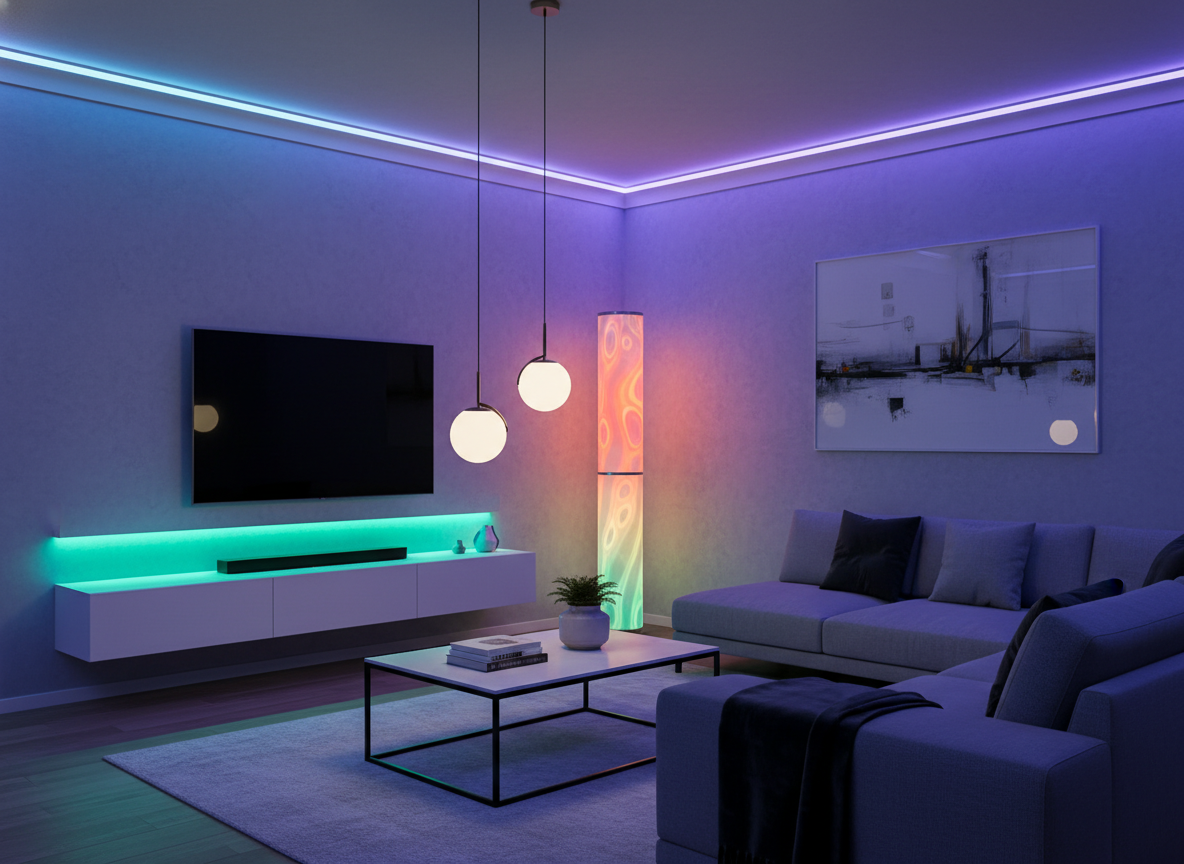
You’ll love these features because they let you schedule lighting or use motion sensors for hands-free control, adjust brightness or change colors whenever you want, and enhance your home’s security when you aren’t around. Smart lights are an affordable and simple upgrade for your home. It’s ideal for bedrooms, apartments, hallways, or kids’ spaces.
3. Smart Plugs
Combining regular devices and handy plugs can make them smarter, such as lamps, coffee machines, space heaters, and lights for holidays.
4. Smart Thermostat
It’s the top gadget to lower energy use and energy costs obviously. Plus, it lets you manage temperature by changing heating or cooling settings. These advanced thermostats also adapt to your schedule to keep you comfortable while avoiding energy waste.
STEP 5: Upgrade to Smart Home Security (When You’re Ready)
Main Devices
Smart cameras: These devices can be used both indoors and outdoors, allow you to view live footage directly on your phone, and often include features like night vision and motion alerts for added security and peace of mind.
Video doorbell: It lets you see who’s at your door, communicate with visitors remotely, and help deter or prevent package theft, even when you aren’t home.
Smart locks: They let you lock and unlock your door directly from your phone, give guests temporary or scheduled access, and eliminate the need to hide spare keys ever again.
Sensors: They add an extra layer of safety and automation to your home by using motion detectors to control lighting and enhance security. Door and window sensors help protect entry points, while water leak sensors detect leaks early to prevent costly damage.
Security gadgets make life safer and calmer. They’re helpful for families, frequent travelers, and taking care of elderly loved ones.
STEP 6: Let Your Home Work For You
Making your daily routines automatic transforms the way you live; tasks become simple and routine.
Beginner-Friendly Automation to Try
✔ Start your mornings smoothly:
- Brighten the lights to wake up gently
- Set the thermostat to heat the room before you get up
- Program your coffee machine to have fresh coffee ready
- Play the weather and news to stay updated
✔ “Away” mode:
- Locks secure doors
- Switches turn off the lights
- The thermostat adjusts down to conserve energy
- Cameras switch on for security
✔ “Welcome Home” routine:
- Entryway lights brighten
- Temperature adjusts back to your preference
- Relaxing music plays in the background
✔ Bedtime routine
- Lights soften as the house gets ready for sleep
- Doors lock
- Curtains draw shut
- TVs and speakers turn off
STEP 7: Build It Room by Room
Designing your smart home step by step keeps it cost-effective and manageable.
Living Room
In the living room, smart technology can enhance both comfort and entertainment with features like a smart television, voice-controlled lighting, immersive soundbars and speakers, and automated blinds that adjust with the time of day or your preferences.
Kitchen
In the kitchen, smart plugs make it easy to automate standard appliances, while smart refrigerators, microwaves, and faucets offer added convenience and efficiency. Motion-sensing lights ensure the space is automatically lit when needed, improving both safety and functionality.
Bedroom
In the bedroom, a smart thermostat lets you control the temperature with ease, while lighting that mimics a natural sunrise can create a gentler, more pleasant alarm. Automated curtains or blinds add comfort and privacy by adjusting on a schedule or with a simple command.
Office
A smart home office can be set up with customizable lighting to match different tasks throughout the day, furniture that includes built-in USB ports or charging areas for easy device access, and speakers designed to reduce background noise and support better focus.
Bathroom
In the bathroom, smart mirrors add convenience with built-in features like lighting or displays, while water-saving smart faucets and showers help reduce usage without sacrificing comfort.
STEP 8: Keep Your Smart Home Secure
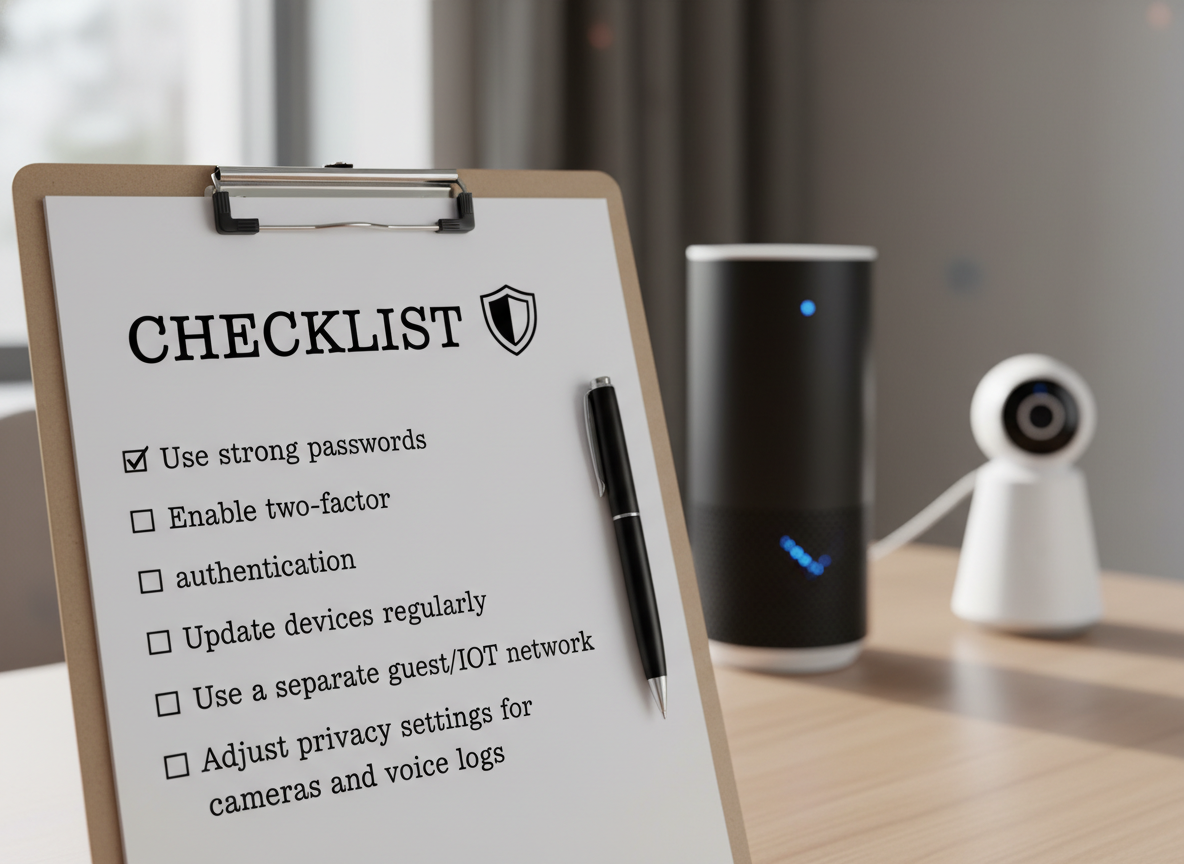
Get started by strengthening your smart home security with a few essential steps: create strong, unique passwords for each device, enable two-factor authentication whenever it’s available, and keep all devices updated with the latest firmware. It’s also smart to place your smart devices on a separate guest or IoT network and review privacy settings, such as camera storage options and voice history logs, to better control how your data is used and stored. Remember, a smart home works great but if it stays safe. Now many devices let you use local processing instead of cloud storage. This change makes homes and offices more private.
STEP 9: Deciding if You Need Professional Smart Home Installation
You should call an expert if you’re in one of these cases:
- You need an integrated system for your entire home.
- You plan to install multiple security cameras.
- You are setting up wired smart thermostats or switches.
- You have a big house and need better internet coverage.
- You like everything looking neat without visible wires.
- You are interested in walls with touch panels or built-in controllers.
Experts can install a smart home system for you. They make sure everything runs and save you the hassle of figuring it out yourself.
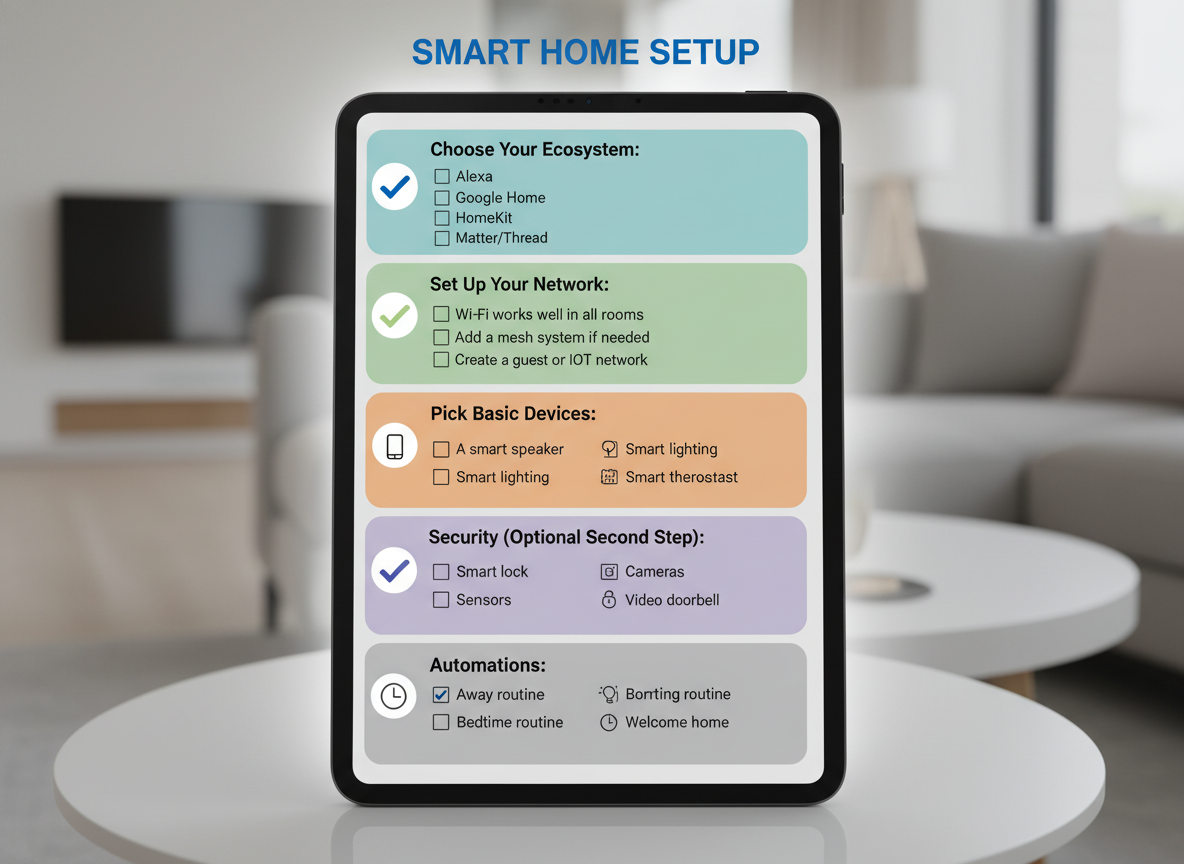
Smart Home Checklist for Beginners
Final Thoughts: Build Your Smart Home at Your Speed
You don’t need to be a tech expert or spend a lot of money to set up a smart home. Begin with small changes, tackle simple problems first, and expand as you need. A good plan, a reliable system, and smart automation can help your home provide greater comfort, easier living, better security, and lower energy costs. Take it one improvement at a time. Your journey into smart home living begins now. It’s easy, stylish, and designed how you want to live.
Related Articles
- How to Automate Your Daily Routines with Smart Home Devices: Save Time and Boost Efficiency
- How to Automate Household Chores with Smart Devices: Save Time and Simplify Daily Tasks
- Smart Home Privacy: The Ultimate Guide to Safeguarding Your Data and Protecting Your Security