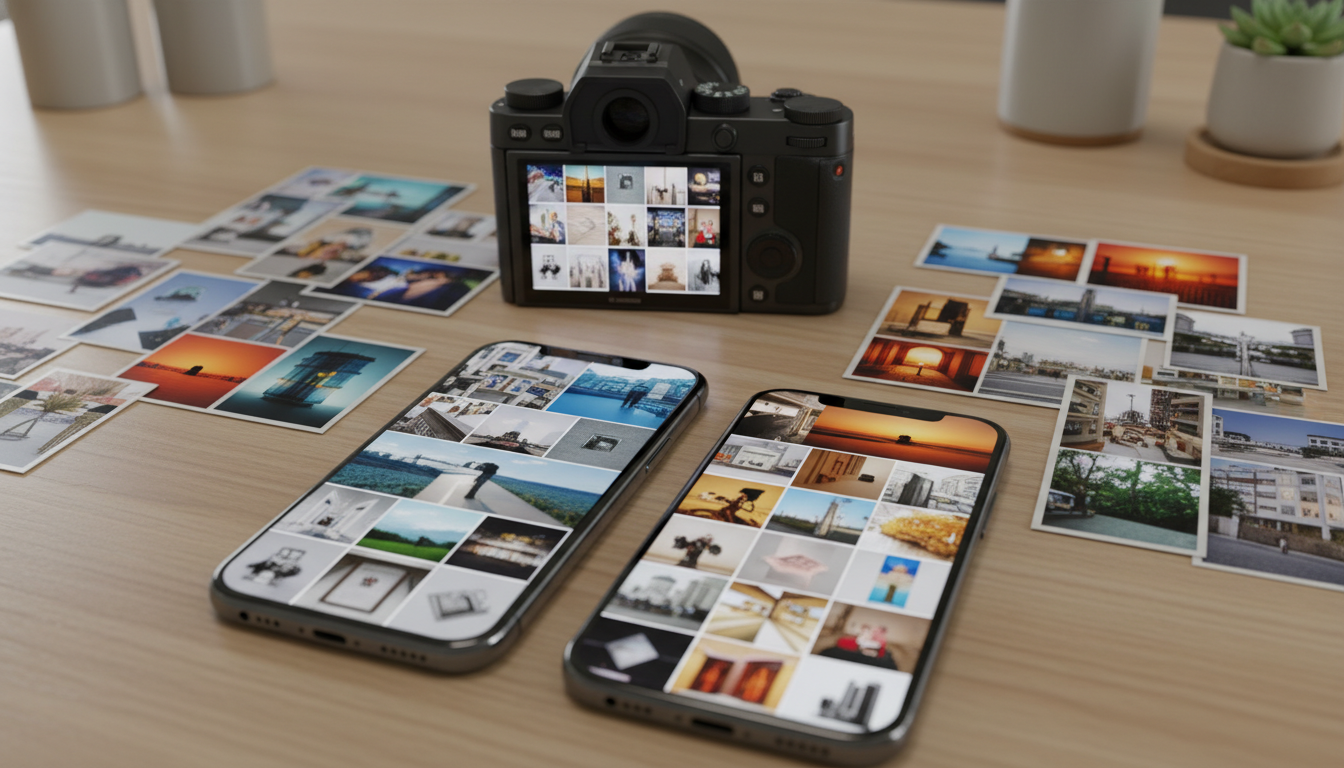
It’s normal if you’ve found 10,000+ photos in your phone album and most of which you don’t even remember taking. Something such as screenshots of parking spots, five versions of the same sunset, blurry birthday candles, or even random memes you meant to delete later.
Digital photo clutter doesn’t just eat up storage space. It makes it harder to find the photos that actually matter. It slows devices down. Mentally, it creates that low-grade, nagging feeling of “I really should deal with this someday.”
Fortunately, decluttering your digital photos doesn’t have to be overwhelming, technical, or time-consuming. You don’t need fancy software or a weekend locked indoors. You just need a simple, realistic system that fits into everyday life.
Why Digital Photos Get Out of Control So Easily
Before we jump into solutions, it helps to understand why this problem is so common.
Phones today are basically professional cameras in our pockets, storage feels endless, and cloud backups run quietly in the background. There’s no friction anymore, so we take photos of everything. Unlike physical clutter, though, digital clutter stays invisible, until it suddenly isn’t. That’s when the frustration hits: scrolling endlessly to find one photo, running out of storage at the worst possible moment, feeling anxious about deleting the “wrong” thing, or realizing your photos are scattered across phones, laptops, cloud accounts, and old devices. If any of that sounds familiar, you’re exactly who this guide is for.
Step 1: Decide What “Organized” Actually Means to You
Here’s where most guides go wrong: they jump straight into deleting without helping you define the end goal.
Take a minute and ask yourself:
- Do I want easy access to family memories?
- Do I mostly want to free up space?
- Do I want photos organized by year, event, or person?
- Am I organizing just my phone, or everything?
There’s no universal “right” system. The best system is the one you’ll actually maintain six months from now. Remember to keep it simple. Overly complex folder structures are how people end up quitting halfway through.
Step 2: Back Everything Up Before You Delete Anything
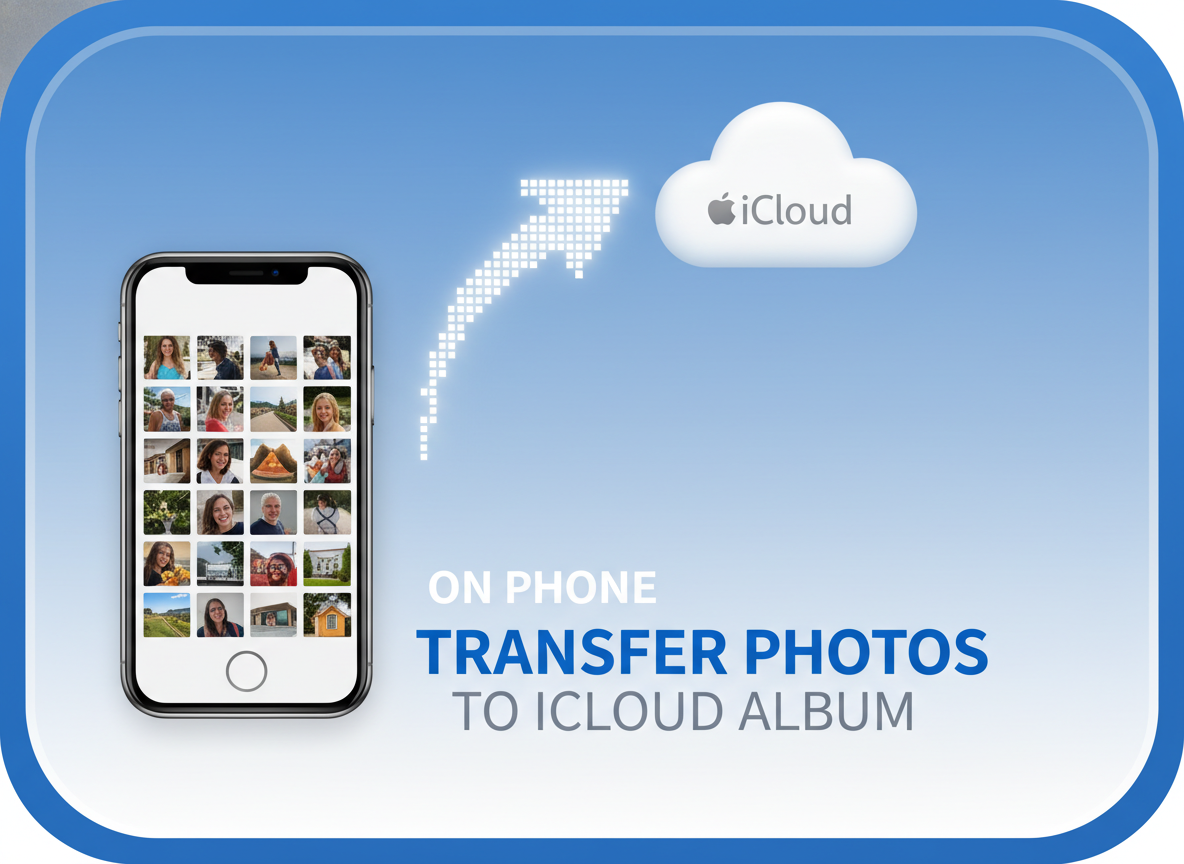
Though this step is boring, it’s non-negotiable. Before you start deleting photos, you should make sure your photos are backed up to one reliable cloud service, such as Google Photos, iCloud, or OneDrive. Or you can copy them to an external hard drive if you prefer offline storage.
Once you’re done decluttering, you can clean up the backup too. But during the process, that backup is your safety net. It removes the fear of “What if I regret deleting this?” And fear is what keeps most people stuck.
Step 3: Start With the Easy Wins (This Builds Momentum)
Don’t start by agonizing over sentimental photos. Start with the obvious clutter instead. Blurry or out-of-focus shots, accidental pocket photos, old screenshots you no longer need, duplicate images, and burst photos where only one is clearly the best can usually be deleted without any emotional decision-making. Clearing these out first often removes hundreds, or even thousands of photos quickly and gives you an instant sense of progress.
If you use Google Photos or Apple Photos, take advantage of their built-in search tools to speed things up. Searching terms like “Screenshots,” “Receipts,” or “WhatsApp,” as well as specific locations or dates, helps you find large groups of unnecessary images at once, making bulk deletion much faster and far less overwhelming.
Step 4: Use the “Would I Look for This?” Rule
When you hit photos that aren’t obviously bad, use this question:
“Would I ever search for this photo again on purpose?”
Not “Is this technically a memory?”
Not “What if I want it someday?”
Just: Would I look for this?
Examples:
- Five nearly identical selfies → keep one
- Photos of meals you already posted online → delete
- Random scenery with no emotional connection → probably delete
- Group photos where you don’t recognize anyone → easy goodbye
This rule keeps you from overthinking and helps you focus on meaningful photos, not digital noise.
Step 5: Choose One Simple Organization Method
You don’t need both a year-based system and an event-based system and a person-based system. Pick one primary method and keep it simple. Trying to layer too many systems on top of each other is one of the fastest ways to feel overwhelmed again.
Option 1: By Year (Most Popular)
This method works especially well if you take photos consistently and want a clear timeline of your life. Create a main folder for each year, such as 2023, 2024, 2025 and store all photos from that year inside. If a year feels too crowded, you can add just a few subfolders for major categories. The key is restraint: only create subfolders when they genuinely make photos easier to find. Organizing by year keeps everything chronological, intuitive, and low-effort to maintain, which makes it ideal for busy schedules and long-term consistency.
Option 2: By Life Category

This approach works well if your photos aren’t evenly spread year to year or if certain areas of your life generate far more photos than others. Create broad folders like Family, Travel, Work, and Personal, and store related photos inside each one. If a category starts to feel crowded, you can always add light subfolders, such as a specific trip, project, or milestone. This system is especially helpful if you tend to search for photos by context rather than by date, and it keeps everything grouped in a way that feels natural and intuitive.
Option 3: Hybrid (Keep It Light)
This method combines structure with flexibility. Create main folders by year, then add subfolders only for big, meaningful events like weddings, major trips, graduations, or milestone celebrations. Everything else can live directly in the yearly folder without overthinking it. If you ever feel tempted to create your twelfth subfolder for a single weekend or minor event, that’s your cue to stop. The goal is quick access and long-term sanity.
Step 6: Rename and Tag Photos You Truly Care About
You don’t need to rename every single photo in your library because doing that would turn this into a full-time job. Instead, focus on renaming the photos that truly matter: major events, favorite memories, and images you know you’ll want to find again in the future. Clear, descriptive names like “2025-06_Florida_FamilyVacation” or “Emma_Kindergarten_Graduation” make a huge difference when you’re searching years later and can’t remember exactly when something happened.
If your cloud service offers tags, face recognition, or smart search features, feel free to use them, but remember don’t feel obligated. These tools can be helpful, especially for large libraries, but they’re a bonus, not a requirement. A simple naming habit paired with a clean folder structure will already put you far ahead of most people, without adding unnecessary complexity or stress.
Step 7: Don’t Forget Videos (They’re Storage Hogs)
Videos take up far more space than photos, and most people forget about them entirely until storage suddenly becomes a problem. Take a few minutes to review your videos and delete clips that are only a few seconds long, accidental recordings, repeated takes, or videos with no sound or real meaning. If storage space is a major issue on your phone or computer, cleaning up videos is one of the fastest ways to free up space and see an immediate difference.
Step 8: Create a Simple Maintenance Habit
This is the step that keeps you from having to do this all over again next year.
Pick one small habit:
- Delete photos once a week while waiting in line
- Clean out your camera roll on the first Sunday of each month
- Do a quick review after vacations or holidays
Consistency beats perfection every time, which means five minutes regularly is better than five hours once a year.
Step 9: Make Your Photos Easy to Enjoy Again
The whole point of decluttering isn’t just freeing up space, it’s making your memories accessible again. Once things are organized, it becomes easy to create shared albums for family, favorite the photos that matter most, and intentionally scroll through older albums instead of losing them to endless clutter. Photos shouldn’t sit buried and forgotten at the bottom of a camera roll. They should be easy to find, easy to share, and genuinely enjoyable to revisit.
Common Mistakes to Avoid

Here are a few common pitfalls worth avoiding for not derailing your progress in case you aren’t careful:
- Trying to organize everything at once. This usually leads to burnout. Digital photo decluttering works best in short, manageable sessions, so small wins add up faster than one exhausting marathon.
- Creating overly detailed folder systems. When your organization system is too complex, it becomes hard to maintain. If you need a map to remember where photos live, the system is working against you, not for you.
- Decluttering without a backup. Skipping a backup creates anxiety and hesitation. When you know your photos are safely stored elsewhere, you’ll make clearer, more confident decisions.
- Keeping photos out of guilt instead of meaning. Not every photo deserves a permanent place. It’s okay to let an image go if it makes you feel stressed, sad, or indifferent, and it doesn’t add value to your memories.
- Waiting for “the perfect time.” That moment rarely arrives. Start with five or ten minutes when you have them. Progress matters far more than perfect conditions.
Using AI Tools to Sort Photos and Find Duplicates Faster
If you’re staring at tens of thousands of photos and thinking, “There has to be an easier way,” you’re right. AI-assisted photo tools have quietly become one of the most helpful ways to speed up digital decluttering, especially when it comes to duplicates and near-duplicates.
Most major photo platforms now use AI to recognize faces, locations, objects, and even activities. That means you can quickly pull up groups of similar photos without manually scrolling forever. These groupings make it much easier to compare similar shots and keep only the best version.
That said, you should consider AI tools as helpers. They’re great at surfacing clutter quickly, but you still get to decide what’s meaningful. Think of AI as a shortcut that reduces the time and effort, not something that replaces your judgment. Used thoughtfully, these tools can turn a daunting clean-up into a much faster, more manageable process.
Final Thoughts: Less Clutter, More Meaning
Decluttering your digital photos protects the ones that matter. When your photos are organized, you stop dreading your camera roll. You stop running out of space. And you start actually enjoying the moments you’ve captured.