When you first start building a smart home, you definitely wonder why choosing a voice assistant feels like picking a life partner. Alexa, Google Assistant, and Siri all promise to make life easier, but once you dig in, the differences start to matter more than the marketing slogans. Honestly, there’s no universal “best” smart home assistant. There’s a best one for your home, your habits, and your tolerance for tech friction. This guide gives you clear, practical help to figure out which assistant actually fits your everyday life.
What a Smart Home Assistant Really Does
Before comparing platforms, it helps to level-set expectations. A smart home assistant is more than a talking speaker. It’s the control center for your home tech, such as lights, plugs, thermostats, locks, TVs, routines, reminders, and more. Once you choose one, most of your future smart home purchases will quietly revolve around it.
Alexa vs Google vs Siri: The Big Picture
Here’s a quick, high-level way to tell them apart before diving deeper:
- Alexa: Offers the broadest device compatibility, highly flexible setups, and some of the most budget-friendly smart home options.
- Google Assistant: Known for accurate answers, excellent navigation, and strong everyday usefulness across apps and services.
- Siri: Delivers a smooth, privacy-focused Apple experience with polished integration, though it works best within Apple’s ecosystem.
With that big-picture view in mind, let’s look at where the differences really start to matter.
Ease of Everyday Use
Talking to Them (Voice Accuracy & Natural Commands)
All three assistants understand basic commands well, but they behave differently once you move beyond “set a timer.”
- Google Assistant feels the most conversational. You can ask follow-up questions without rephrasing everything, and it usually keeps up.
- Alexa understands commands reliably but prefers you to be specific. It’s great once you learn its rhythm.
- Siri works smoothly for simple tasks, but can feel rigid if your phrasing isn’t just right.
Smart Home Device Compatibility (This Is a Big One)
Who Works With the Most Devices?
Alexa
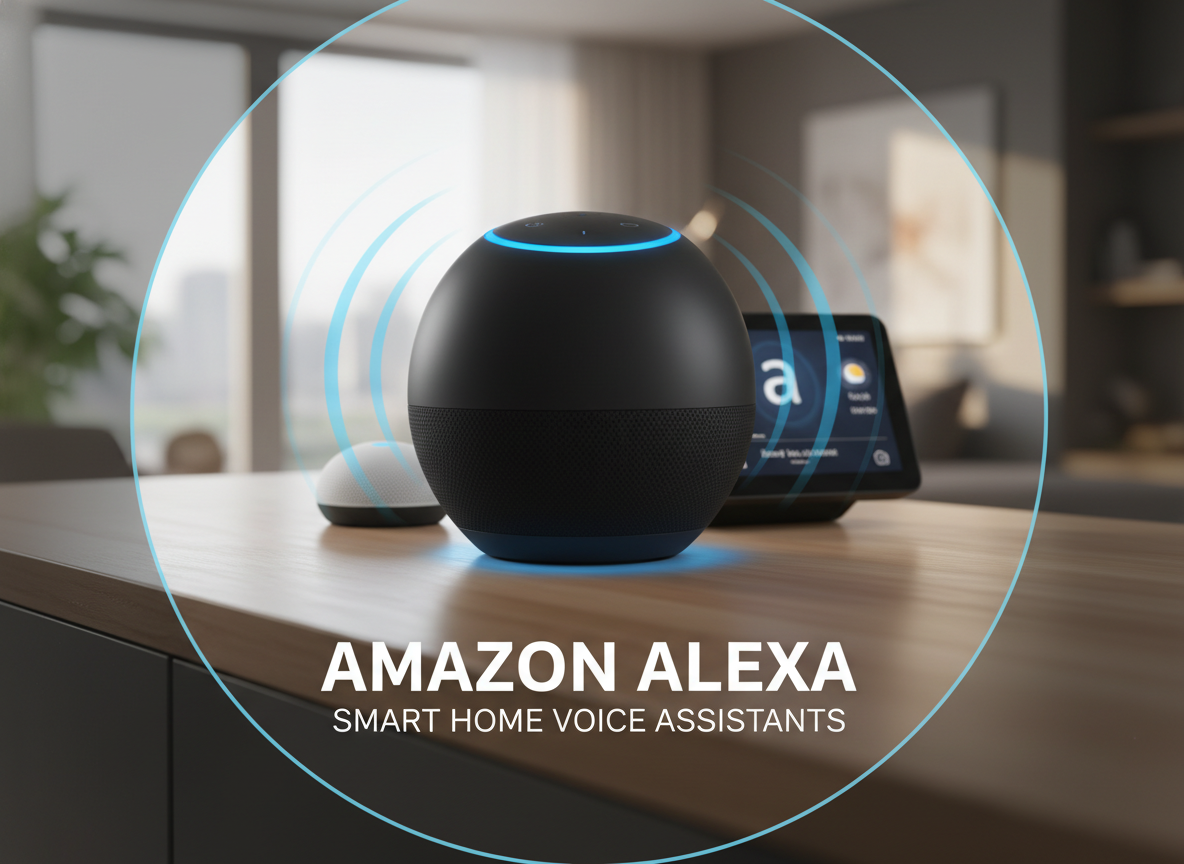
Alexa works with an enormous range of smart home devices, from lights and plugs to locks, sensors, vacuums, and niche accessories you may not even know exist yet. If you enjoy mixing brands, expanding over time, or experimenting with new gadgets, Alexa gives you the most freedom. This flexibility also makes it a popular choice for budget-conscious setups, rentals, and DIY smart homes that evolve gradually.
Google Assistant
Google Assistant supports a wide and steadily growing list of smart home devices, especially from well-known, mainstream brands. While it doesn’t match Alexa in sheer quantity, it strikes a strong balance between compatibility and ease of use. It’s a solid option if you want reliable control, smooth setup, and less time spent troubleshooting or fine-tuning automation.
Siri (Apple HomeKit)
Siri operates within Apple’s HomeKit ecosystem, which is far more selective about which devices are supported. That means fewer choices, unless you use additional tools to bridge non-HomeKit devices. The tradeoff is consistency: approved devices tend to work smoothly, predictably, and with a strong emphasis on privacy. Siri is best suited for households that are fully invested in Apple products and prefer a carefully curated, Apple-only smart home experience.
Music, Media, and Entertainment
Playing Music Without Friction
Music is still one of the most-used voice assistant features.
- Alexa works with Spotify, Apple Music, Amazon Music, Pandora, and more.
- Google Assistant shines with YouTube Music and Spotify, and handles multi-room audio smoothly.
- Siri is tightly tied to Apple Music. You can stream other services via AirPlay, but voice control is limited.
TVs, Streaming, and Screens
Alexa
It works seamlessly with Fire TV devices and offers strong voice control for streaming, searching content, launching apps, and adjusting playback. Echo Show smart displays add visual feedback for timers, cameras, recipes, and quick controls, which is especially useful in kitchens and living spaces. Alexa also plays well with many third-party TVs and streaming devices, making it a flexible option if your home uses mixed brands.
Google Assistant
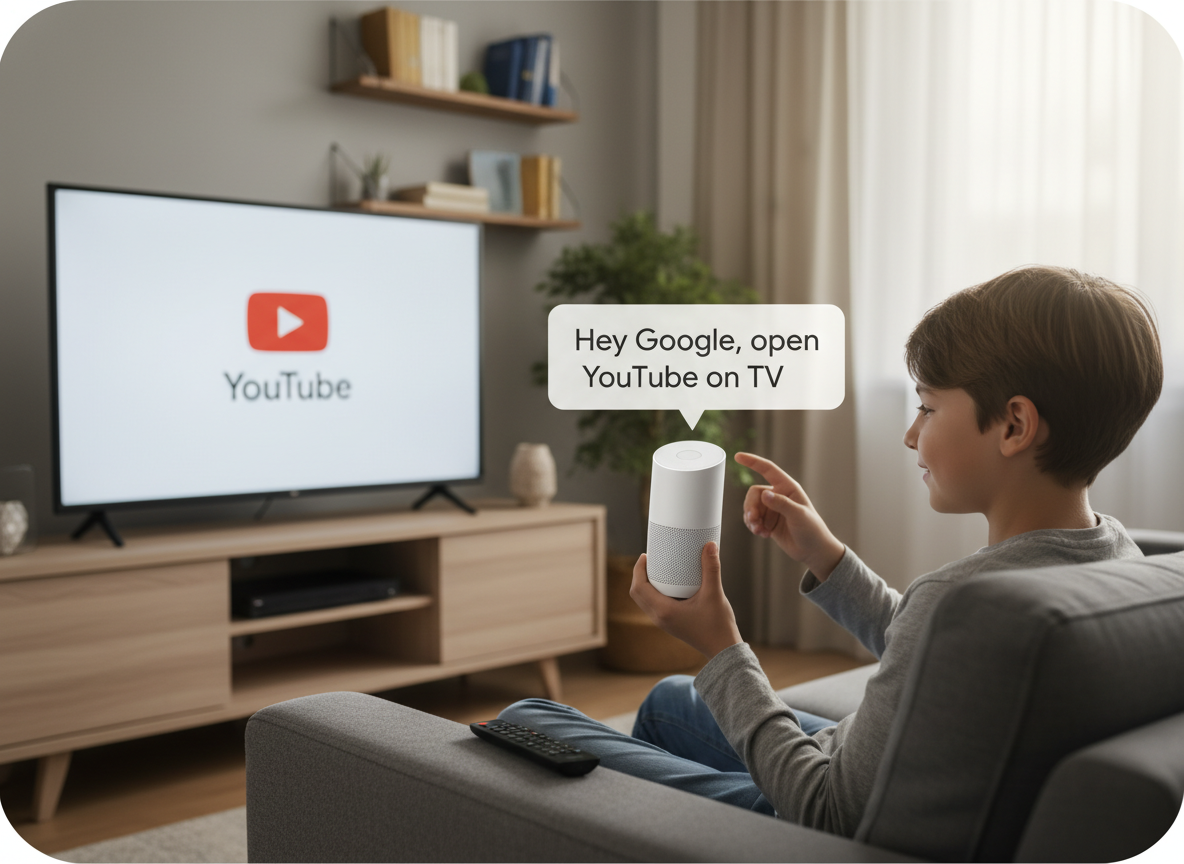
Google Assistant shines when paired with Chromecast and Google TV. Voice searches are fast, accurate, and excellent at finding content across multiple apps at once. It also integrates well with smart displays for visual results and media controls.
Siri
Siri works beautifully with Apple TV, offering smooth voice control for playback, searches, and app navigation. However, Siri largely stays within Apple’s ecosystem and offers limited control outside of Apple TV and AirPlay-compatible devices.
Routines, Automation, and Daily Life
Making Your Home Feel “Smart,” Not Annoying
- Alexa routines are powerful and flexible. It’s great for multi-step automation, such as lights, music, and plugs. If you enjoy tweaking settings, experimenting with automation, or building custom routines that fit your exact habits, Alexa is a favorite among tinkerers for good reason.
- Google Assistant routines are intuitive and excellent for time-based and location-based actions, which makes them a great fit for busy households.
- Siri automations through Apple Home are elegant and streamlined, but they offer less customization unless you’re willing to add extra setup. Apple loyalists tend to appreciate this polish, even if it trades flexibility for simplicity.
Privacy and Data (The Quiet Dealbreaker)
If data privacy is high on your list, this difference really matters. Apple, through Siri, emphasizes on-device processing and tighter limits on data collection, which appeals to users who want more control over personal information. Google Assistant relies more on cloud processing but does offer fairly granular privacy and data controls, while Alexa tends to collect more usage data overall.
Cost and Long-Term Investment
Upfront and Ongoing Costs
Alexa devices are usually the most affordable and frequently go on sale, making it easy to get started or add speakers room by room. Google devices tend to sit in the middle price range, offering solid value without being the cheapest option. Apple devices are the most expensive, especially if you plan to outfit multiple rooms with HomePods. That said, cost isn’t just about the speaker itself, it’s also about the ecosystem you’ll invest in over time.

New 2024–2025 Consideration: Matter Support
Matter, which is the newer smart home standard, has changed the conversation in a meaningful way. All three platforms now support Matter to some degree, which means less ecosystem lock-in, easier cross-platform compatibility, and more freedom to mix and match brands. That said, Alexa and Google Assistant still benefit the most right now, largely because they already support a wider range of devices straight out of the box, making the transition to Matter smoother and more immediately useful.
Which Smart Assistant Is Best for You?
Choose Alexa if you:
- Want the widest device compatibility
- Plan to build a large or budget-friendly smart home
- Like customizing routines and automation
Choose Google Assistant if you:
- Want the smartest answers and best navigation
- Use Google services daily (Maps, Calendar, Gmail)
- Prefer intuitive setup over deep tinkering
Choose Siri if you:
- Live deep in the Apple ecosystem
- Care strongly about privacy
- Value simplicity and design over flexibility
However, you can mix assistants like many households do. It’s not all-or-nothing anymore.
Final Thoughts: The “Best” Assistant Is the One You’ll Actually Use
Smart homes fail when they add friction instead of removing it. The best assistant is the one that slips quietly into your routines and works without demanding attention. Think less about what’s technically possible and more about what feels effortless day to day.
Start by being honest about how you live. How much do you actually want to customize? How much do you want to think about your setup once it’s running? And how many brands do you want access to without jumping through hoops? When you answer those questions realistically, the right choice usually becomes clear.