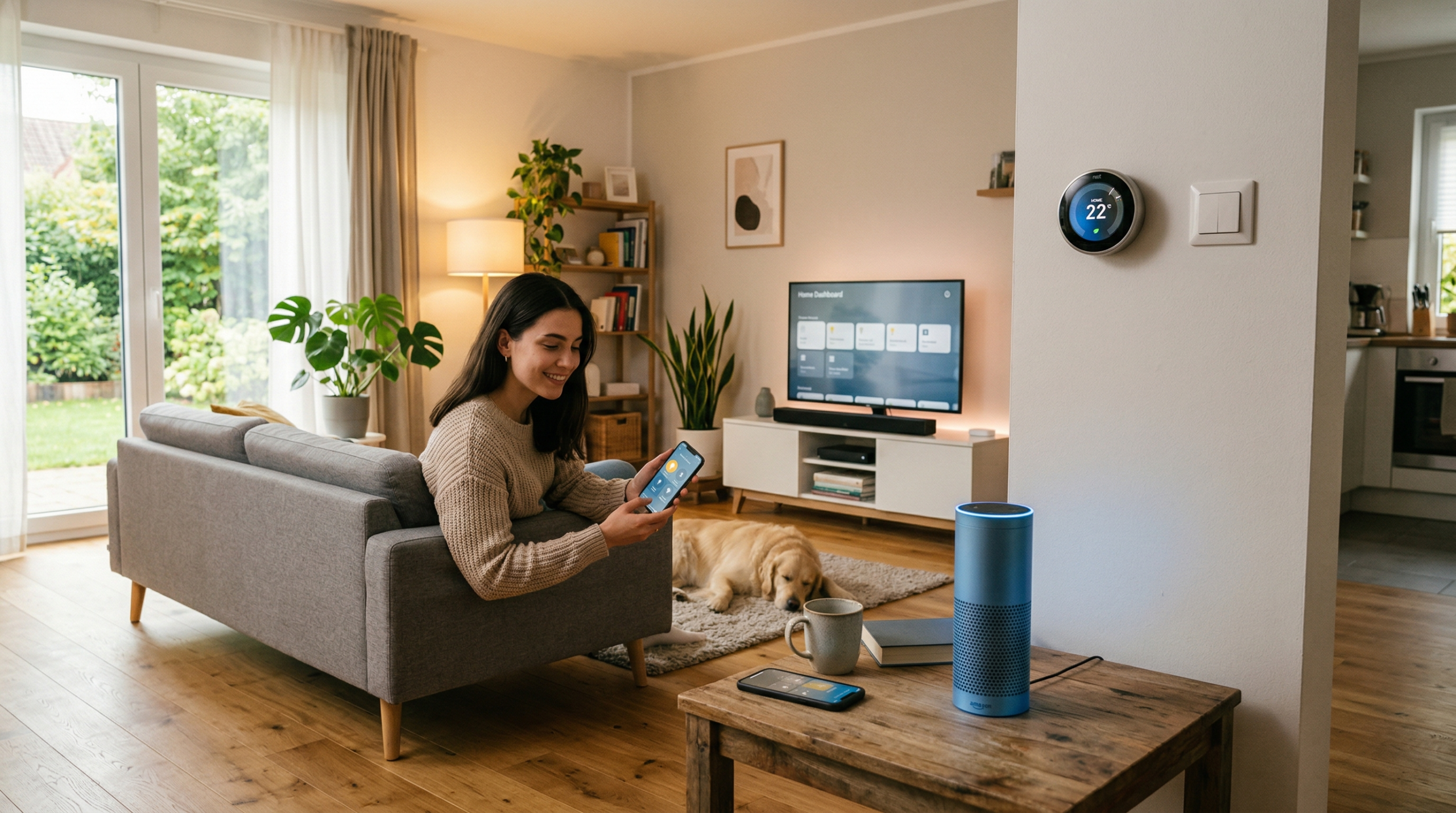
In today’s fast-paced world, creating a smart home isn’t just a luxury anymore, it’s becoming a necessity. With smart home automation, you can streamline your daily tasks, enhance security, and save energy, all while increasing convenience. Whether you’re a busy professional, a parent, or someone looking to upgrade their home, smart home automation is a solution that can work for anyone. This beginner-friendly guide will walk you through simple steps to create a smarter, more efficient home.
1. Getting Started: Understand the Basics of Smart Home Automation
Before diving into purchasing devices, it’s important to understand what home automation entails. At its core, home automation involves controlling household devices, such as lights, thermostats, and appliances, through an integrated system, often using your smartphone or voice assistant.
The Benefits of Smart Home Automation
Smart home automation offers a variety of benefits. It simplifies routine tasks, saves time, and most importantly, boosts energy efficiency. By automating everyday activities like adjusting the thermostat or turning off the lights when not in use, you can reduce energy consumption, ultimately saving you money on utility bills. Moreover, smart devices like security cameras and smart locks enhance your home’s safety, giving you peace of mind whether you’re home or away.
Choosing the Right Smart Home Ecosystem
Choosing the right ecosystem is essential for ensuring compatibility among your devices. Amazon Alexa, Google Assistant, and Apple HomeKit are the three main ecosystems that control smart devices. Depending on your personal preferences or what devices you plan to purchase, choose one that works best for your needs. For example, Alexa might be the ideal choice for voice control enthusiasts, while Apple HomeKit works well if you already own Apple products.
2. Set Up a Strong Wi-Fi Network: The Backbone of Your Smart Home
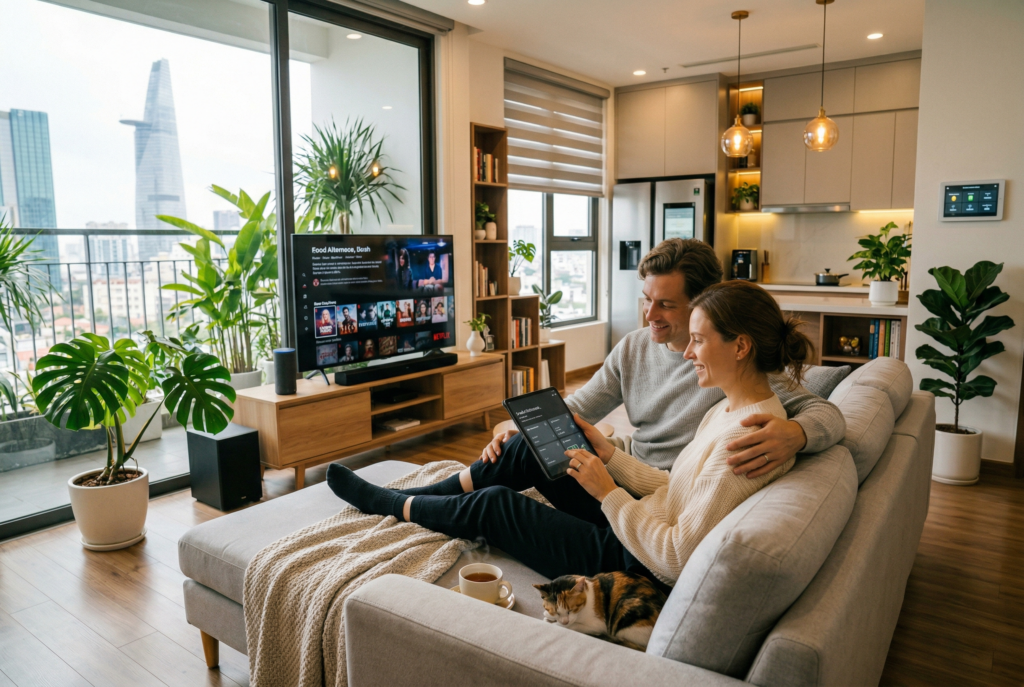
A reliable Wi-Fi network is essential for smart home automation to work efficiently. Without strong and stable Wi-Fi, your devices may lag, disconnect, or fail to perform as expected.
Ensure Reliable Internet Connection
The more devices you connect, the more bandwidth you’ll need. If you have a larger home or multiple smart devices, consider investing in a mesh Wi-Fi system to ensure that every device works seamlessly, even in areas farther from the router. Wi-Fi extenders can also help boost signal strength in specific rooms.
Secure Your Wi-Fi Network
Security is paramount in a connected home. Use strong passwords for your router and smart home devices, and set up a guest network for visitors to keep your main network more secure. Make sure your smart devices are set to receive automatic updates to protect them from potential vulnerabilities.
3. Start with Foundational Smart Devices: Simple First Steps
Smart Speakers and Voice Assistants
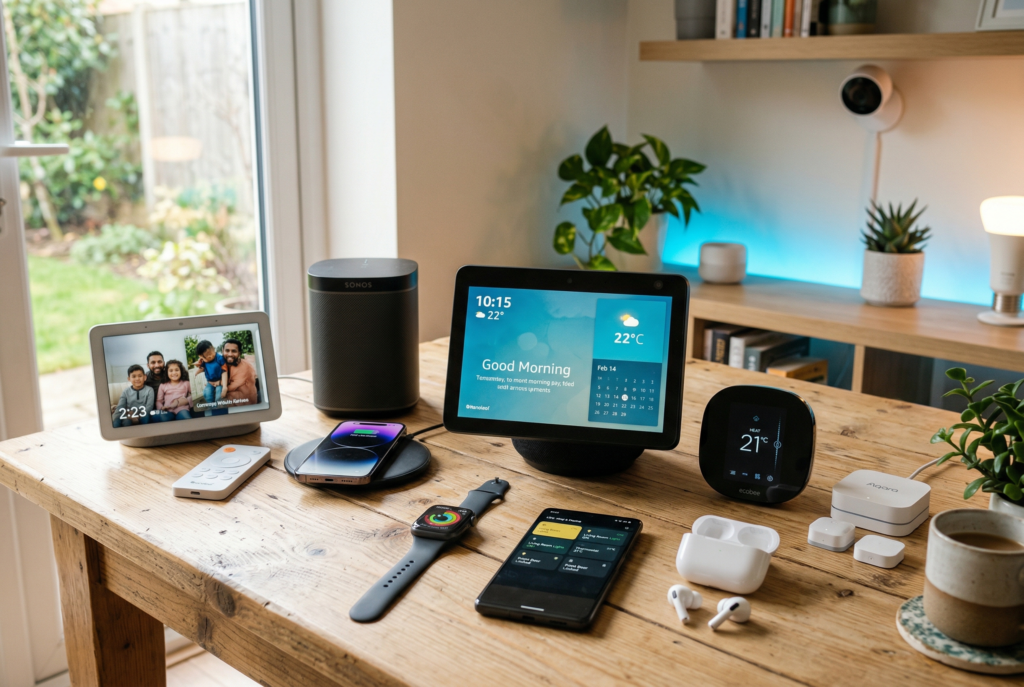
A smart speaker, such as an Amazon Echo or Google Nest, is often the starting point of any smart home setup. These devices not only allow you to control other smart appliances with your voice, but they also function as hubs that tie together your smart ecosystem. You can ask your speaker to control lighting, play music, check the weather, or even adjust your thermostat.
Smart Plugs and Switches
Smart plugs and switches can turn almost any appliance into a smart device. Simply plug them into existing outlets, and you can control them via your smartphone or voice assistant. You can use these to automate lamps, fans, or even kitchen appliances, adding convenience to your daily routine without needing to upgrade every appliance.
Smart Thermostats
A smart thermostat, like the Nest Learning Thermostat or Ecobee, is one of the easiest ways to save on your energy bills. These thermostats learn your temperature preferences over time and adjust accordingly, so you don’t have to manually change the settings every day. They also allow you to control the temperature remotely via an app, so your home is always at the perfect temperature when you arrive.
4. Expand Your System: Add Security and Convenience
Once you’ve got the basics set up, it’s time to expand your system to include security devices and additional comfort features. This step is about making your home smarter, safer, and more efficient.
Smart Security Systems
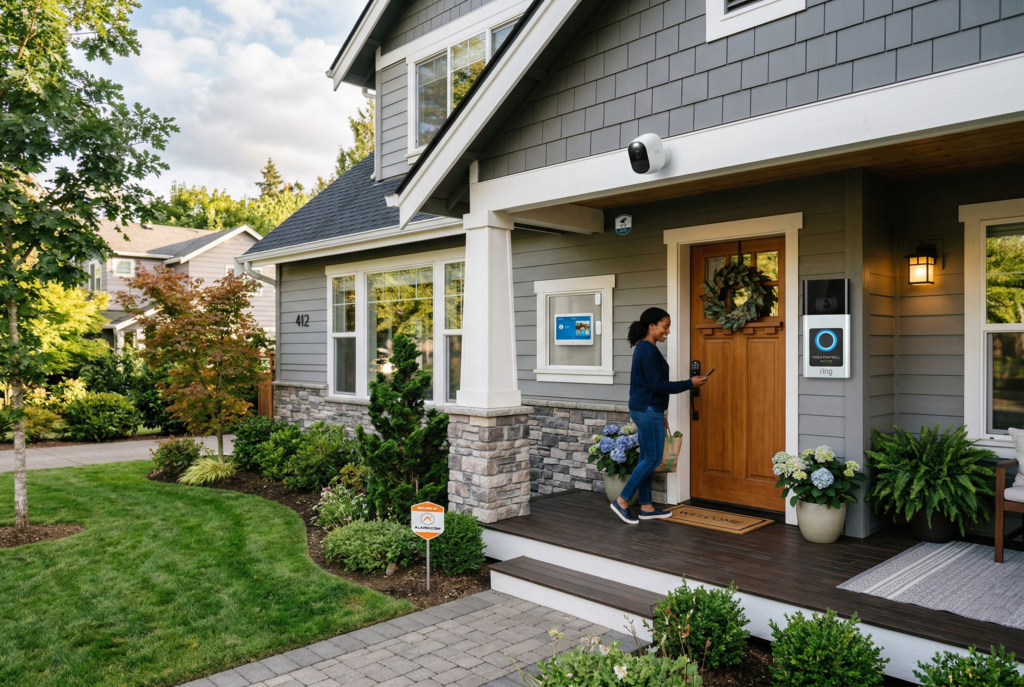
Security is a top priority for any homeowner, and integrating smart security systems into your home is a simple and effective way to protect your space. Smart cameras, like the Ring Doorbell or Nest Cam, allow you to monitor your home remotely. You can check footage from your phone and receive alerts when motion is detected, helping you stay informed even when you aren’t at home.
Smart Locks
Smart locks allow you to control who enters your home, providing enhanced security and convenience. Devices like August Smart Lock or Schlage Encode let you lock or unlock doors remotely, set temporary access codes for visitors, and even monitor door activity from your phone. Say goodbye to traditional keys and hello to a more secure, convenient way to manage entry points.
Smart Lighting
Smart lighting is an excellent way to add comfort and efficiency to your home. With devices like Philips Hue or LIFX bulbs, you can adjust your home’s lighting remotely, set up schedules, or even change the ambiance of a room with voice commands. This not only saves energy but also creates a more personalized atmosphere in your home.
5. DIY vs Professional Installation: What’s Right for You?
As you expand your smart home system, you may be wondering whether to tackle installation on your own or hire a professional. While many smart home devices are designed for easy DIY setup, more complex systems may require professional installation.
DIY Installation: Simple Devices
Most beginner smart devices, like smart plugs, smart speakers, and thermostats, are designed to be installed by the user. Setting up these devices is typically as simple as plugging them in, connecting them to your Wi-Fi, and syncing them with your voice assistant.
Professional Installation: Complex Systems
For more advanced setups, such as smart security systems, wired lighting, or multi-room audio systems, professional installation may be necessary. Professionals can ensure that your devices are installed correctly and integrated into your existing home infrastructure, providing seamless functionality. Many companies offer installation services, and some devices come with the option for professional setup.

6. Maintain Your Smart Home: Keep It Running Smoothly
Once your smart home is set up, regular maintenance is key to ensuring it continues to function smoothly. This includes updating your devices, checking the battery levels in sensors, and troubleshooting any connectivity issues.
Ensure that your devices are receiving software updates regularly to fix bugs and improve functionality. Most devices have automatic updates, but it’s important to check settings to ensure everything stays up to date.
If a device stops working or becomes unresponsive, check your Wi-Fi connection first. Sometimes, simply rebooting the device or resetting it can solve the problem. If issues persist, refer to the troubleshooting section of the user manual or contact customer support.
Conclusion: Embrace the Future with Your Smarter Home
Home automation is no longer a futuristic concept, it’s here, and it’s easier than ever to get started. By following these simple steps, you can create a smarter, more efficient home that simplifies daily tasks, saves energy, and provides greater comfort and security. With the right devices, a solid Wi-Fi network, and a clear plan, you can transform your living space into a connected, intelligent environment. Whether you’re starting small with a few basic devices or planning to build a full-fledged smart home, the future of home automation is in your hands.
Related Articles
- Step-by-Step Guide to Setting Up Your Smart Home: Simple Tips for Beginners to Maximize Convenience
- How to Build a Smart Home on a Budget: Practical Tips to Save Money
- 10 Eco-Friendly Smart Home Ideas That Support a More Sustainable Lifestyle
- Smart Home Privacy: The Ultimate Guide to Safeguarding Your Data and Protecting Your Security
- Top Affordable Smart Home Devices for Easy Setup and Everyday Convenience
- 10 Smart Home Renovation Trends for 2026 That Maximize Space, Storage, and Modern Living